Hive
Say it once. Reach everyone.
The Hive is your business's own news board, on iPhone, iPad, Mac and the web. Post announcements, trainings and everyday news with photos, files and video. Mark what everyone must read and see who has, so the important things don't get lost.

One feed
The whole team's news, in one place.
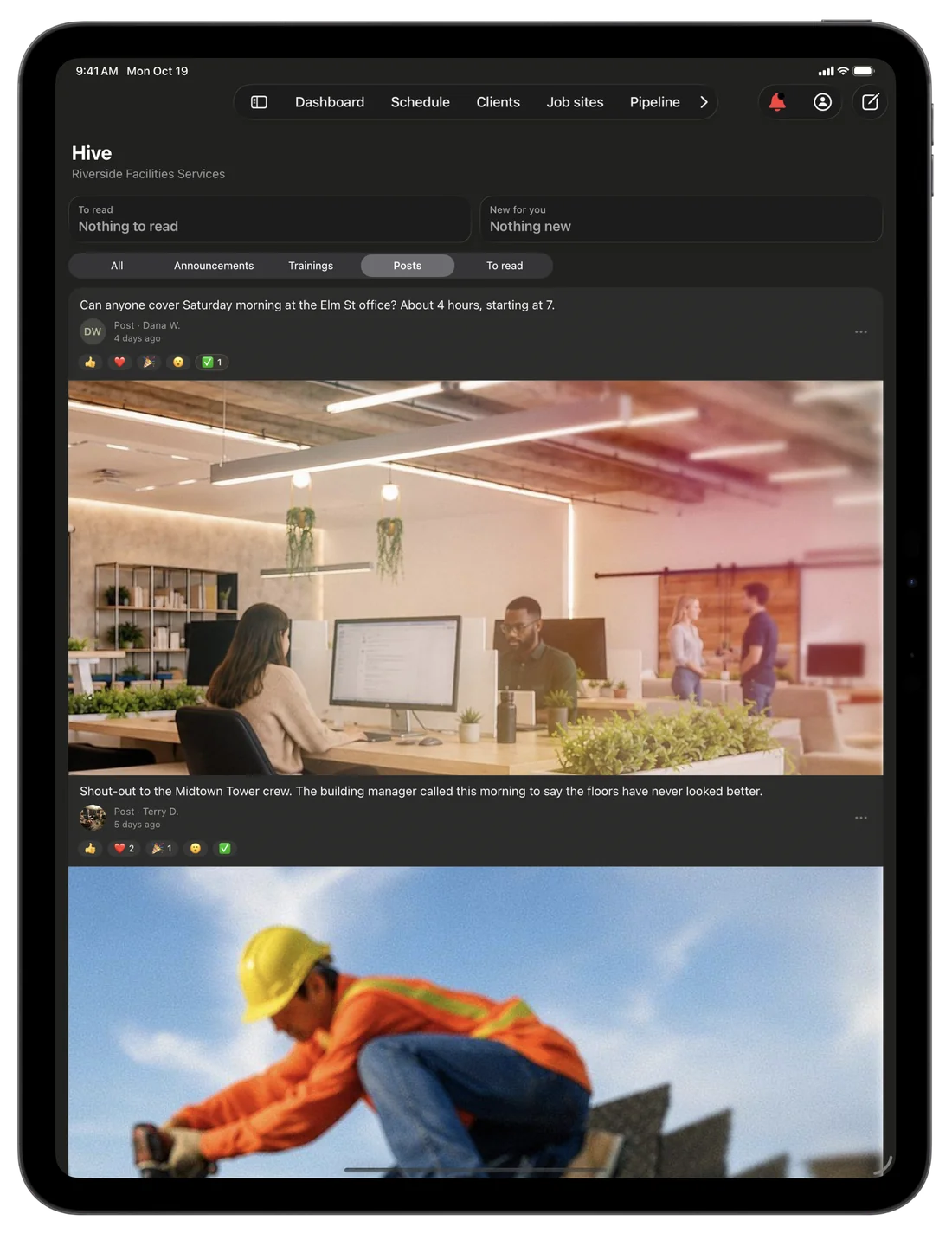
Shout-outs, heads-ups and photos from the job land in one feed, sent to everyone, to a team, or just to the people you pick. Two tiles at the top tell each person what is waiting on them and what is new, and you can react right from the list.
- What is waiting on you, right at the top
- Filter to announcements, trainings or posts
- React with a tap, right from the feed
Must read
Know who has read it.
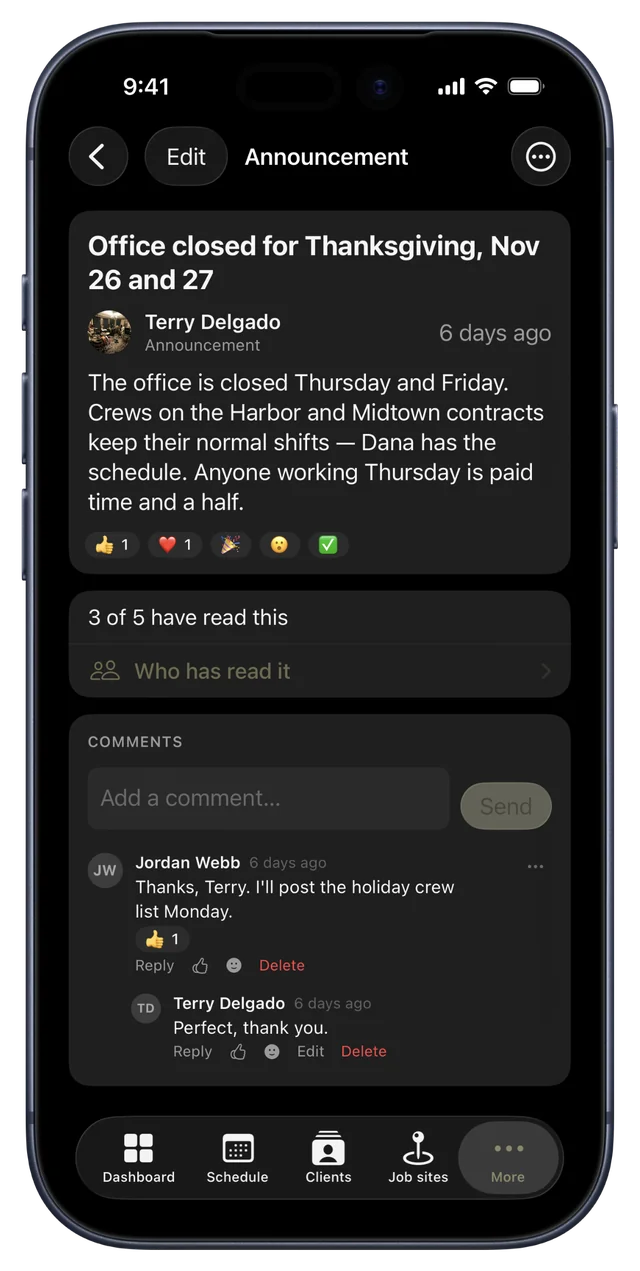
Mark an announcement Must read and it stays at the top of each person's Hive until they tap I've read this. You see how many have read it, and Who has read it shows exactly who has and who hasn't.
- Stays on top until each person taps I've read this
- How many have read it, at a glance
- Comments right under the post
Talk it over
Every post is a conversation.
Comment on a post, reply to a comment, and tag a teammate with @ so they hear about it. React with one of five reactions in a tap. Tap someone's name or picture to see how to reach them.
- Comments and replies, right under the post
- Five reactions, one tap each
- A name opens that person's contact card
iPhone Duo
Open it, and the Hive reads two columns wide.
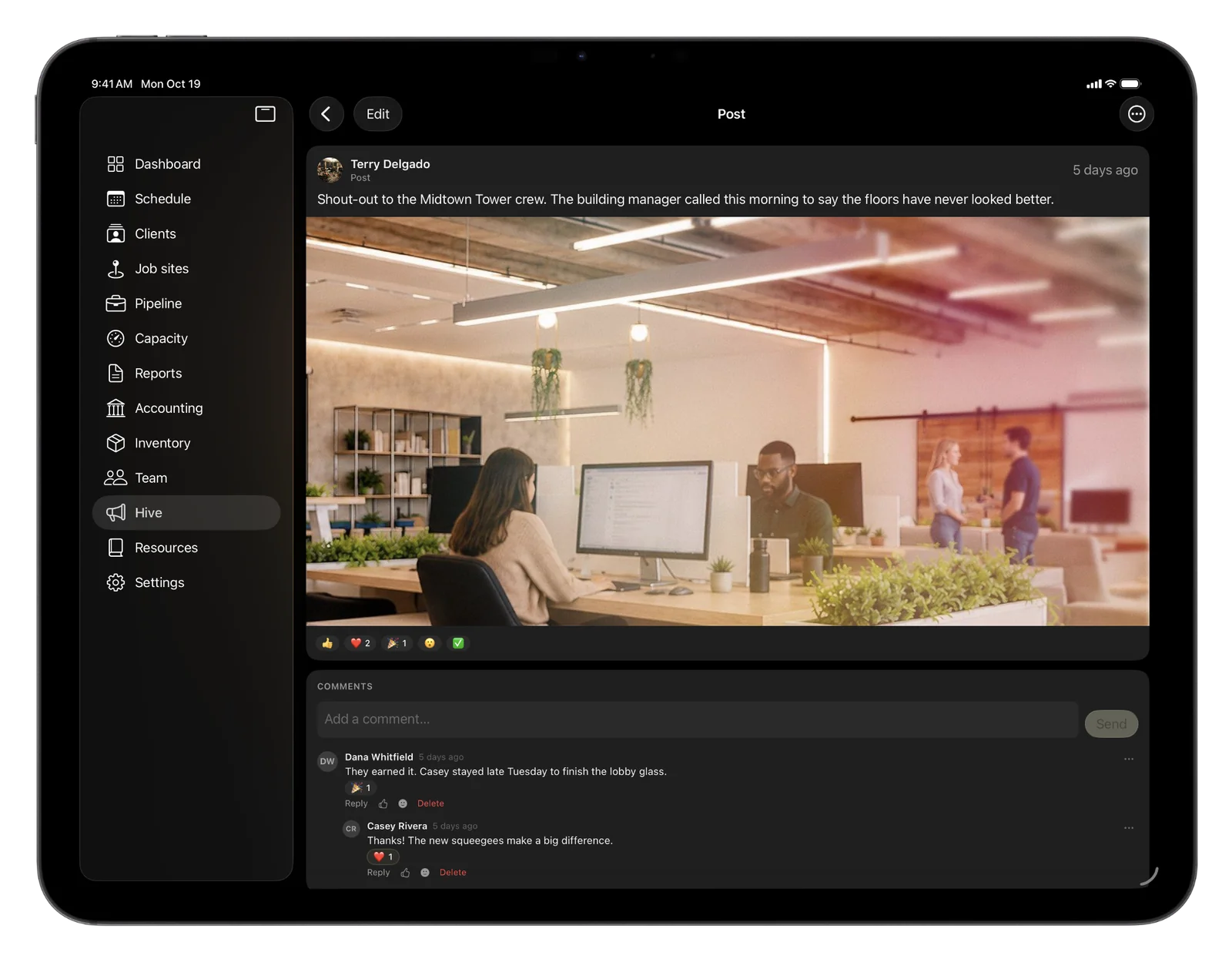
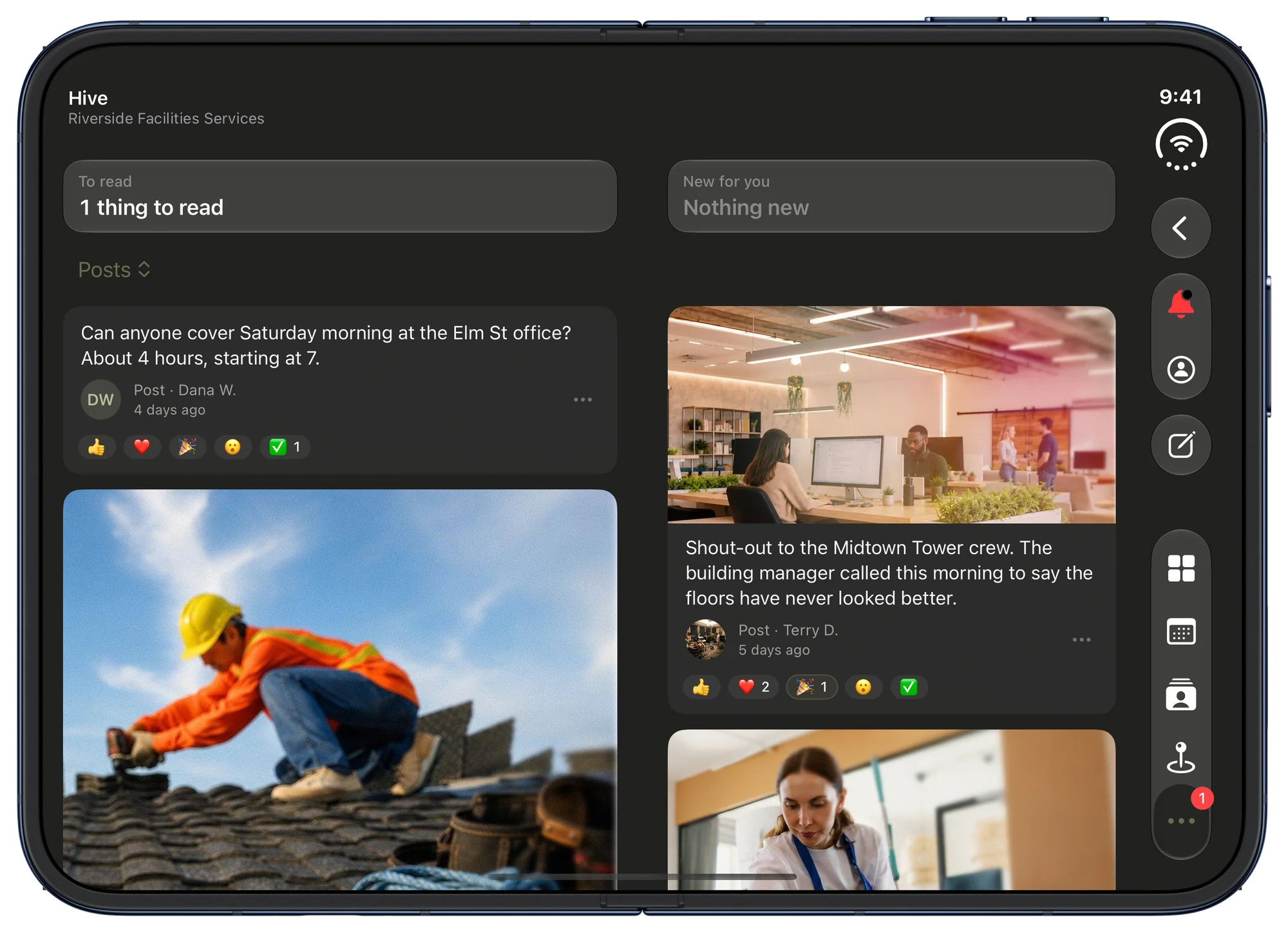
Turn iPhone Duo's inner display sideways and the feed deals its posts into two columns, each with its photo and its reactions, with the Hive's own buttons in a toolbar down the side. Open a post and it sits on the left while its comments run down the right. Closed, the Hive runs on the outer display the way it runs on any iPhone.
- Two columns of posts on the inner display
- An open post beside its comments
- The same Hive on the closed outer display
Everything you need to keep the team on the same page.
Trainings with a due date
Share a write-up, photos or a video and set a due date. Each person taps Mark as done, and you see who has finished and who hasn't.
Send it to the right people
Post to everyone, to one or more teams, or just to the people you pick.
Pin what matters
Keep up to three posts pinned at the top of the Hive, so the big things never scroll away.
Post now or later
Write it today and pick the day and time it goes out.
Photos, files and video
Add up to ten photos and ten files, or paste a link. A YouTube, Vimeo or Loom video plays right in the post.
Your rules, your words
Write your own Hive rules in Settings. Everyone agrees to them the first time they open the Hive, and again when you change them. CRMb never writes them for you.
Report and block
Anyone can report a post or a comment to the owner and managers, or block a person to stop seeing their posts and comments.
Hide a post
The owner and anyone who can post can hide a post from the Hive, and bring it back later with Show again.
Told when it matters
Hive lets each person know when something needs them, and a Hive summary arrives once a day. Either one can be turned off in Settings.
You choose who posts
Everyone can open the Hive and comment from the start. In Team, under Permissions, you decide who can open it, comment and post.
Two columns on iPhone Duo
Turn iPhone Duo's inner display sideways and the Hive reads in two columns, with an open post beside its comments.
In every plan
The Hive comes with every CRMb plan, free trial included. There is nothing extra to buy.
Problems it puts to bed.
Important news gets lost in a group text.
Post it in the Hive and mark it Must read. It stays at the top until each person has read it, and you see who has.
You never know who finished the training.
Give it a due date. Each person taps Mark as done, and you see who has and who hasn't.
The rules for team posts were never written down.
Write your own Hive rules once, and everyone agrees to them before they post or comment.
See it on real punched hours.
14-day free trial. Your Punch data is already inside.