Inventory
Know what is on every truck.
Your parts and materials with a live count on hand, rolled up across every warehouse, truck and van. Set a reorder point and the list flags what is running low, so you reorder before a crew shows up to a job without the part.
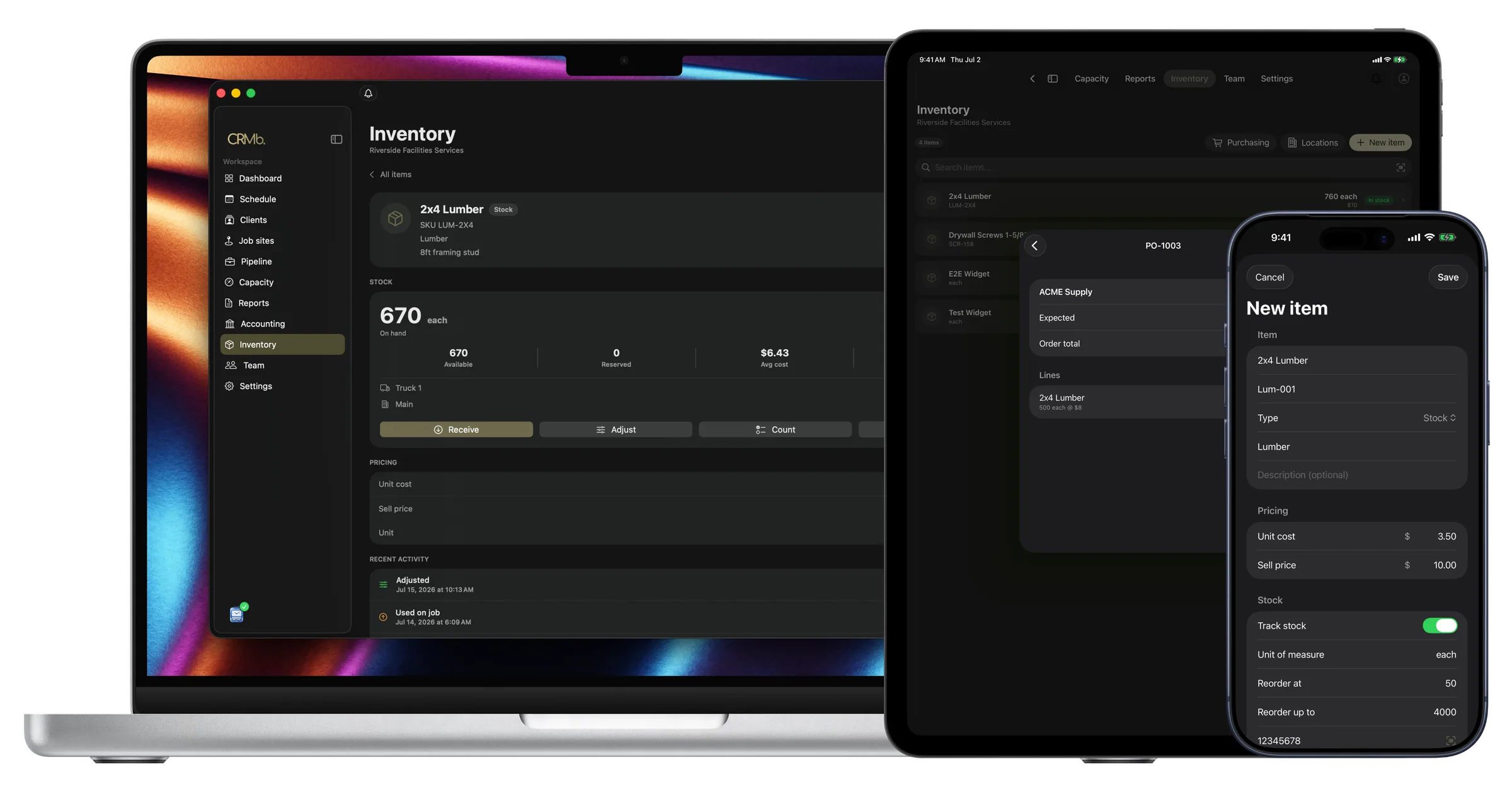
Item detail
One part, the whole picture.
Open an item and it is all there: what is on hand, what is available, what is already spoken for, the average cost and the total value tied up in it. The count breaks down by location, and right there you receive a delivery, count to what is really on the shelf, or move a box onto a truck, with the cost riding along on its own.
- On hand, available and reserved, side by side
- Receive, count and transfer, with the cost settling on its own
- The same part, counted per warehouse, truck and van
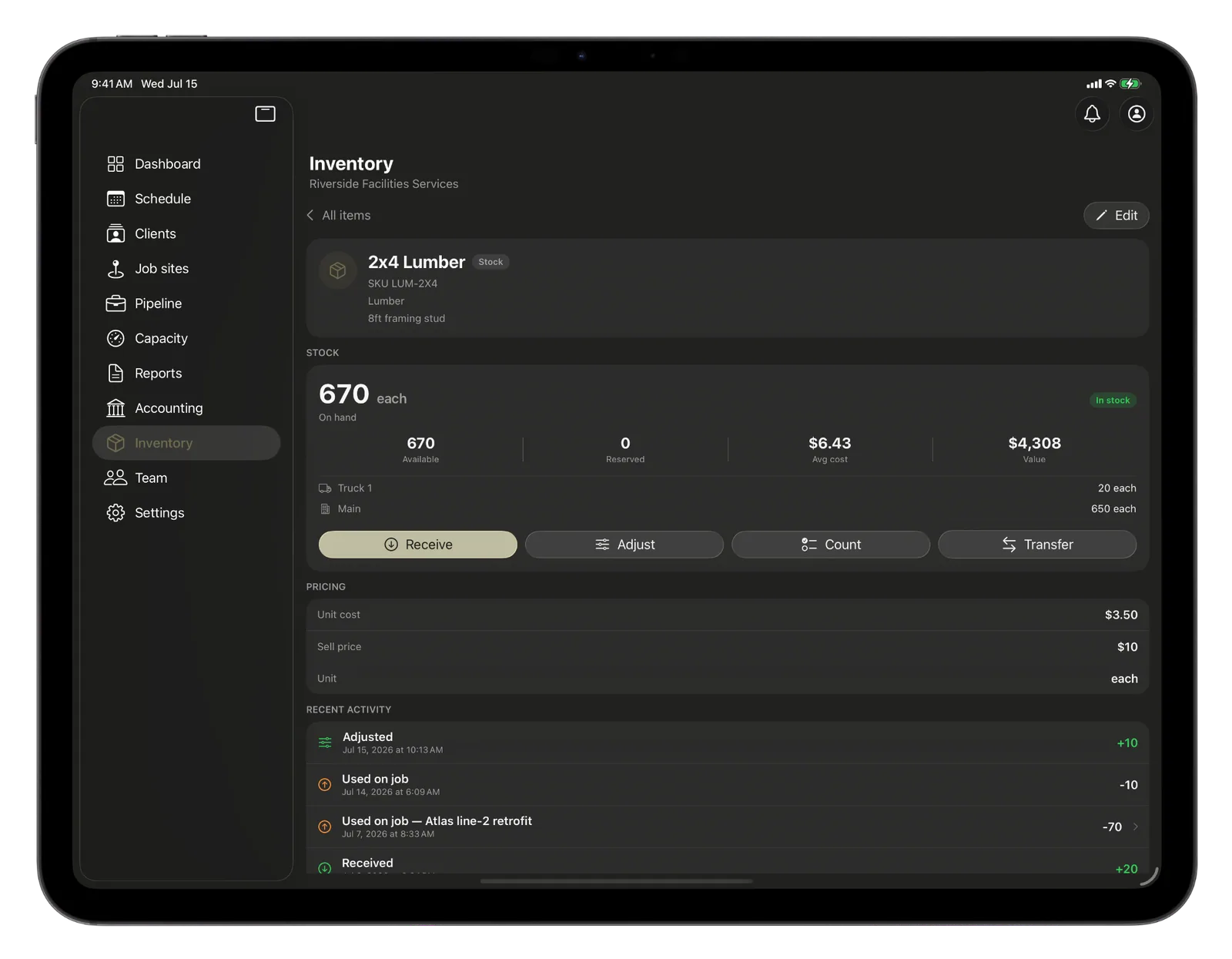
Locations
The warehouse, and every truck.
Stock lives where your business does: the warehouse shelf, Truck 1, the van on the north route. Add a location in seconds and every item keeps its own count there, so when your crew pulls parts for a job they come off the right truck at the right cost.
- Warehouses, trucks and vans, each with its own count
- Add a location in seconds
- Parts pulled for a job come off the right truck, at the right cost
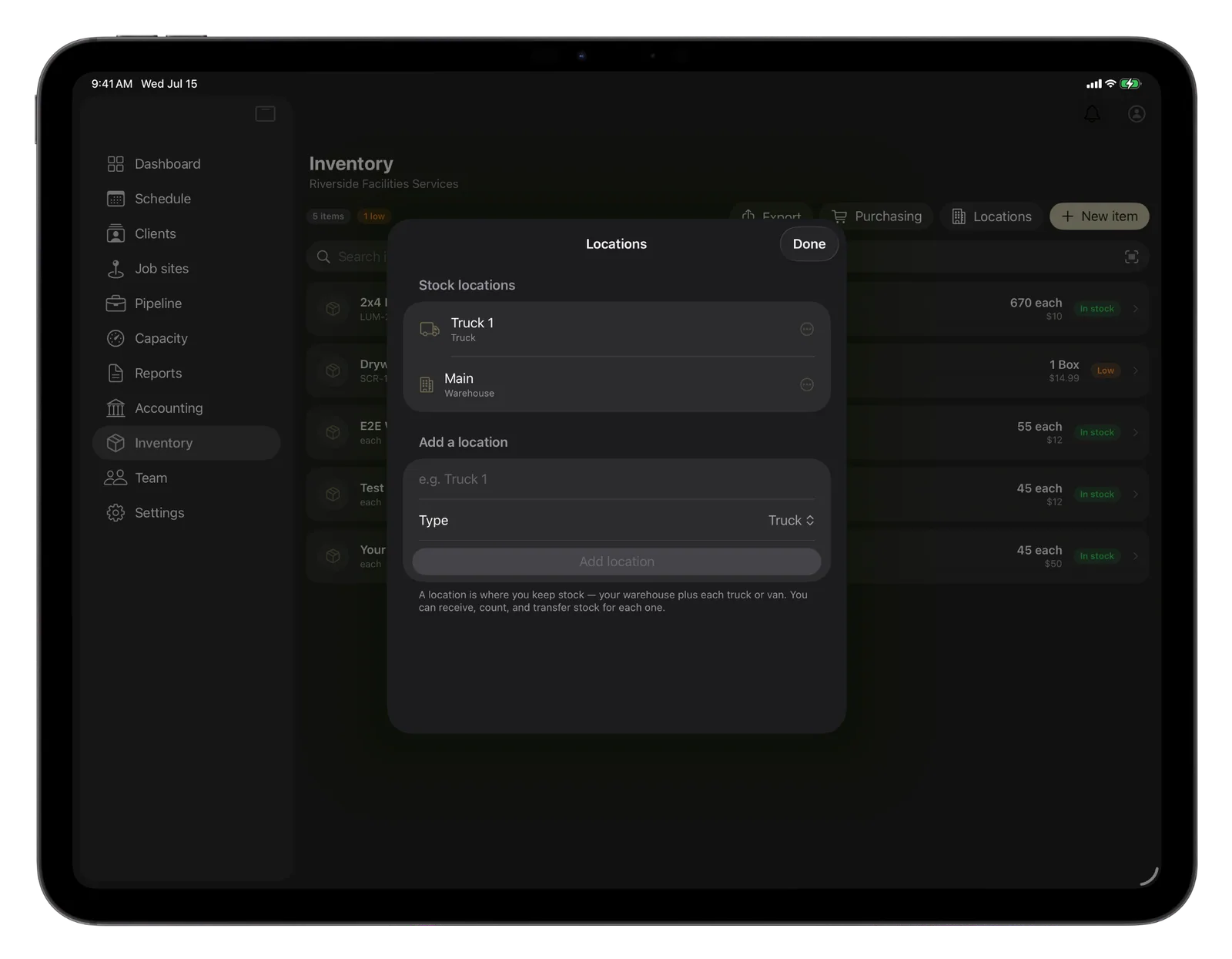
Movement history
Every move, written down.
Every receive, count, transfer and part pulled for a job is logged in one running history, newest first, with the location and the amount. Nothing gets edited away. If a count looks off, the trail shows you exactly how the shelf got where it is.
- A running record you cannot quietly rewrite
- A count shows the level it was set to
- See where every part went, and when
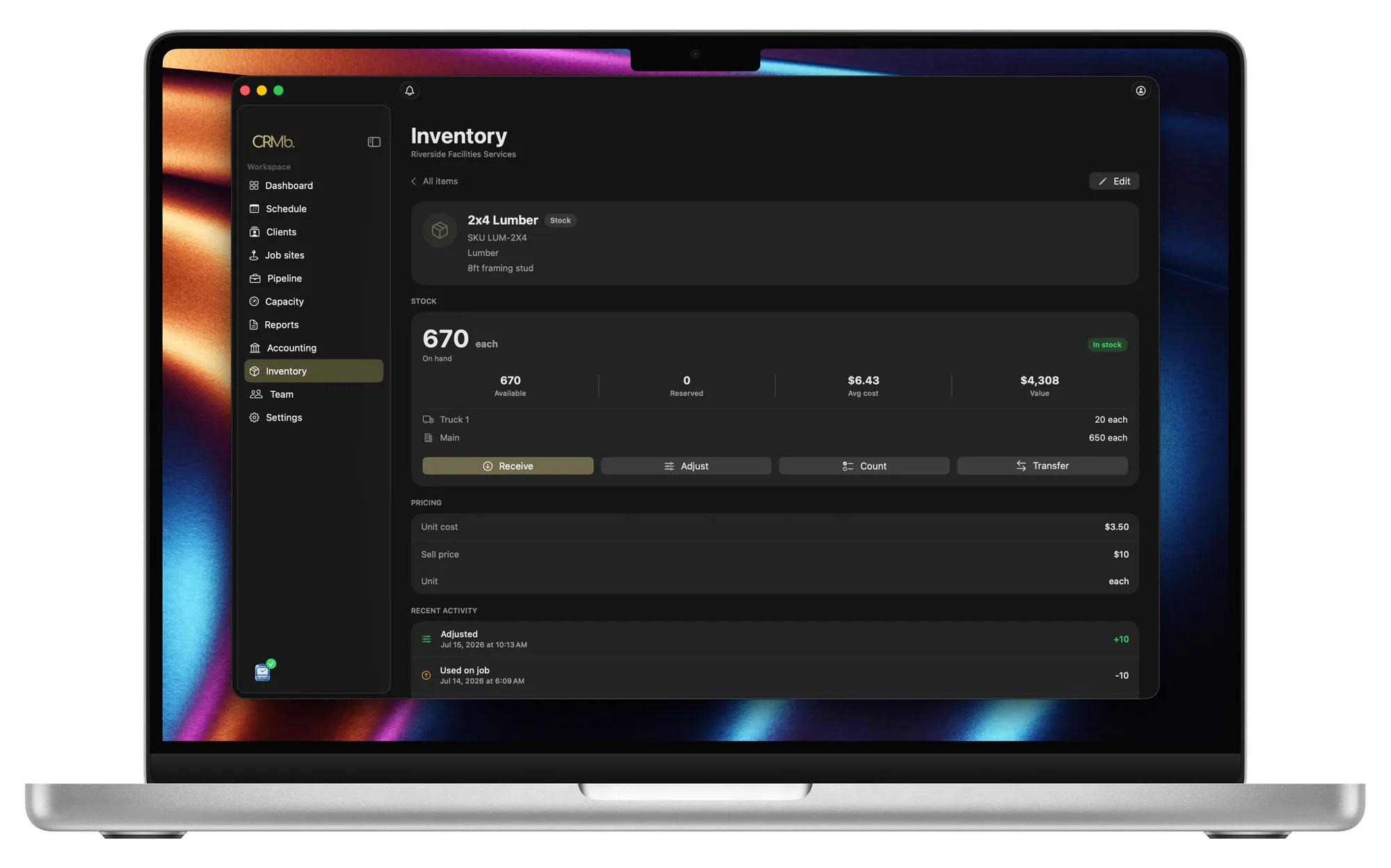
Everything you need to keep the stock straight.
Your whole catalog
Every part and material with its SKU, category, unit, cost and sell price, searchable in one list. Mark the ones you count and leave services untracked.
Warehouses, trucks and vans
Keep stock wherever it really lives. Each location holds its own count, so you always know what is on the shelf versus out on a truck.
Low-stock alerts
Set a reorder point and the list flags what is running low or out, so you restock before a job goes short.
Move it around
Transfer stock from the warehouse onto a truck in a couple of taps, and the cost travels with it so your value stays right.
Count to the truth
Do a physical count and the number snaps to what you actually have, with the change logged so the shelf and the app agree.
A full stock ledger
Every receive, count, transfer and part used is written down and never edited away, so the history always adds up.
The Punch connection
The materials cost is already real.
With other tools, materials get remembered and typed in later, if they get typed in at all. Here the crew logs the parts on the job as they use them, straight off the truck. So the moment you go to bill, the invoice already knows the materials, priced to sell, right alongside the hours your crew punched through Punch. Labor and materials, both real, both on the same bill.
- Parts land on the job as the crew uses them
- One tap pulls them onto the invoice, priced to bill
- Materials and punched hours meet on one invoice
Problems it puts to bed.
A crew shows up to a job without the part.
A reorder point flags what is running low, so you restock before it costs you a trip back.
You never really know what is on which truck.
Every location holds its own count, so the warehouse and each truck are always separate and clear.
Materials used on a job never make it onto the bill.
The crew logs parts as they use them, and one tap lifts them onto the invoice at the price you sell.
See it on real punched hours.
14-day free trial. Your Punch data is already inside.