CRMb for glass and glazing contractors
One job stays open from measure to install.
Stock glass, extrusion and hardware are counted in the shop and on each truck. Shop hours and field hours go onto the same job. Cut optimization stays in your cutting software.
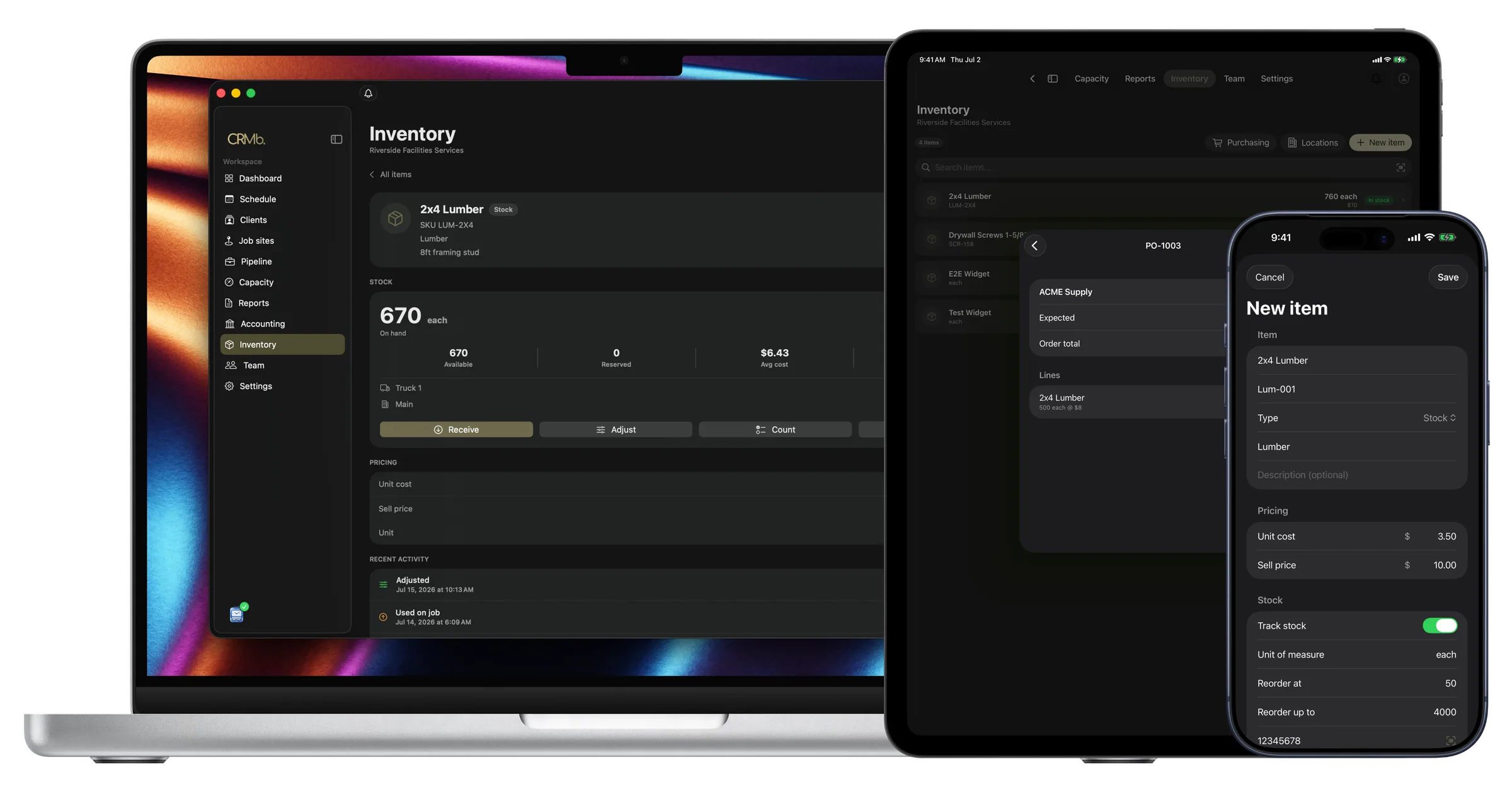
The shop, the order and the install share one job
A commercial project takes three trips weeks apart, so the material and the hours get added up long after the install.
CRMb keeps the job open the whole time. An item taken from the shop comes off that location's count at the average you paid. Shop hours and field hours go onto the job, each person at their own rate.
Payroll is built in: mark a week paid in Punch and CRMb matches the payout from your bank feed to the cent. CRMb does not close your books at year end. It reads your bank transactions, so what a job spent is what you actually spent. CRMb never moves money, and your bookkeeper gets a clean export each month.
Shop stock
Glass, extrusion and hardware are counted where they sit.
Move hardware to a truck and both counts change.
- The shop and each truck hold separate counts
- CRMb tells you when an item reaches your reorder point
- Material used on a job is costed at the average you paid
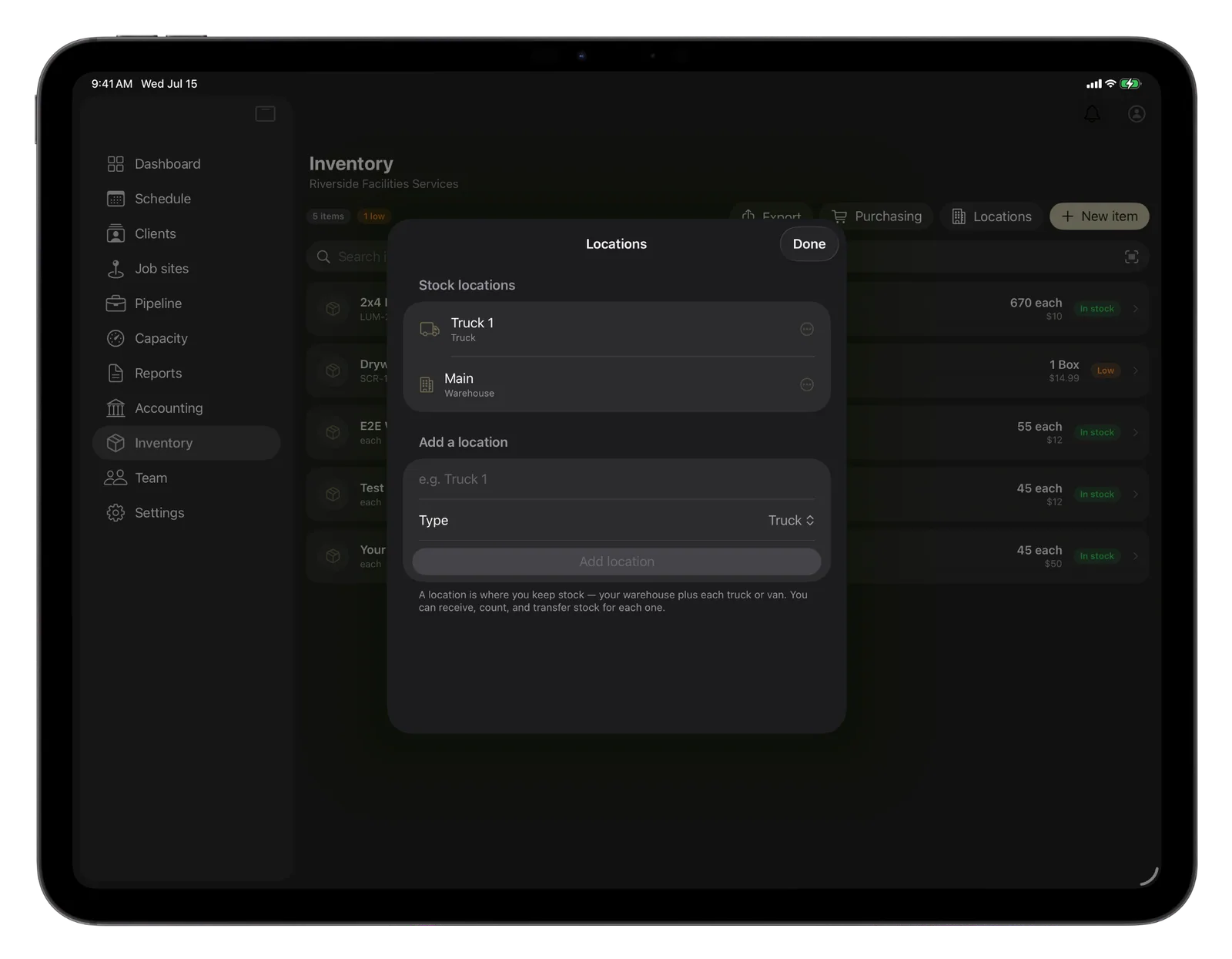
One job
Every visit adds to the same job.
The measure, the order and the install all belong to one job.
- The hours you planned show next to the hours worked
- Shop hours and field hours both count against the job
- Labor cost and margin move while the job is open
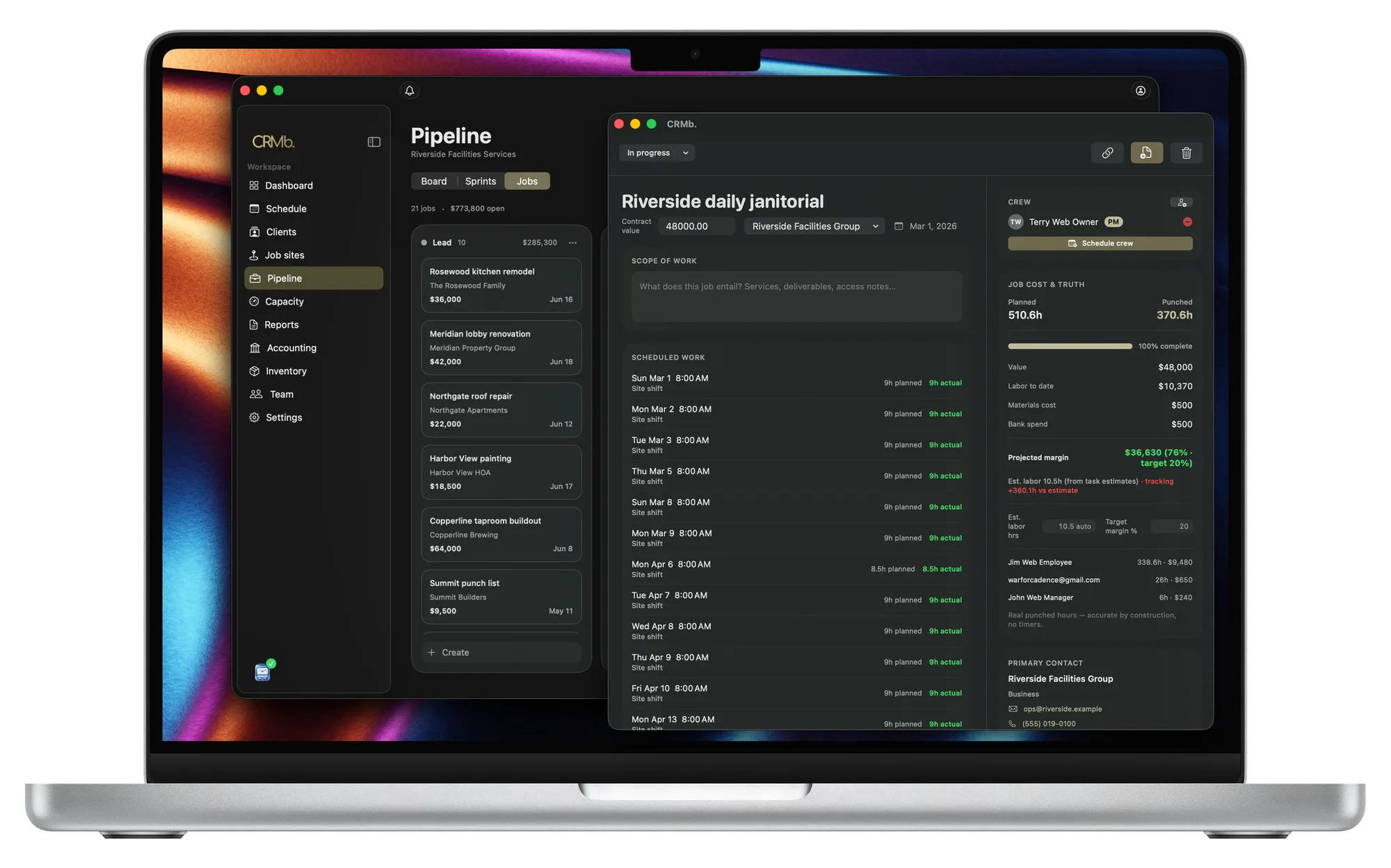
The invoice
The quote with your deposit becomes the invoice.
Your terms, the deposit and the pay link come across.
- The deposit taken on the quote is already on the invoice
- One tap adds the job's material at your selling price
- A flat price still shows the units in the job's cost
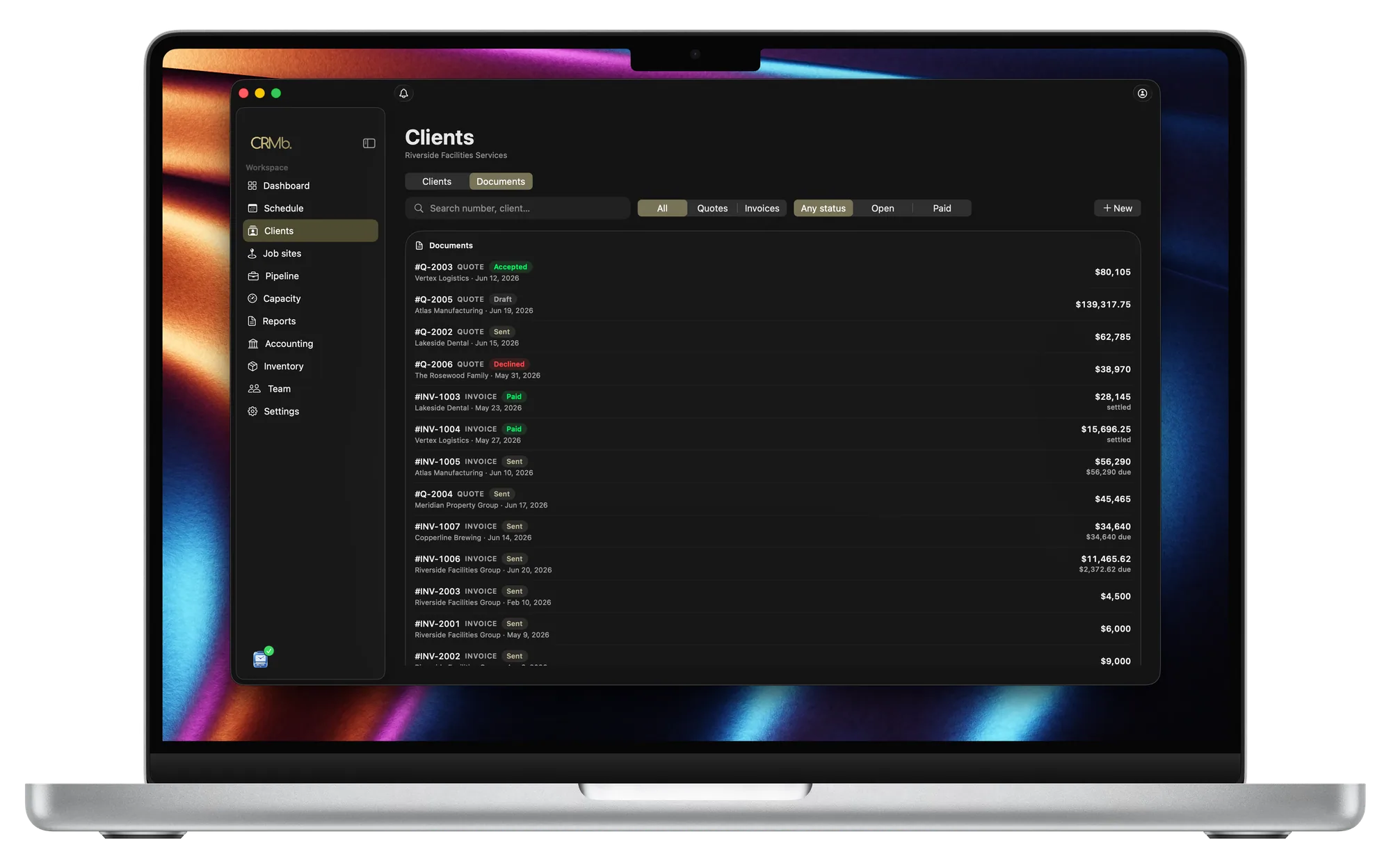
From the glass on the rack to the invoice.
Each location holds its own count
The shop and every truck are counted apart.
Know an item is low before it is gone
Give an item a reorder point and CRMb watches it.
Your average cost is what the job pays
Two prices for the same hardware average out on the job.
A quote can become the purchase order
Name the location and the delivery is counted there.
Every hour worked is priced onto the job
The shop and the field are both charged per person.
Know the margin before the invoice goes out
Every hour and every unit changes it.
The Punch connection
Punch sends the hours straight to the job.
Punch is the companion time app. Your crew punches in at the job site. Lunch comes out, and the rest is priced at each person's rate.
- The cost updates while the shift is still open
- Both apps share the same job sites and crew
- A paid CRMb plan takes 25 percent off a Punch plan bought on the web
Problems it puts to bed.
You learn a project lost money after the last unit is set.
You can read cost and margin any day the job is open.
One project runs over three visits and the costs scatter.
The job stays open, and each visit adds to it.
Hardware and sealant get left off the invoice.
The person who uses an item logs it on the job, and one tap bills it.
Glass costs one price this quarter and another the next.
The job is charged the average you paid, not one old price.
Questions
The ones you are actually asking.
- What happens to an item after my crew uses it?
- Your glazier adds it to the job. That location's count goes down and the job is charged your average cost. Those items go onto the invoice at your selling price.
- Does CRMb optimize cuts or hold my shop drawings?
- No. CRMb has no glass optimizer, no shop drawings or CAD, no dispatch board or route planning, and no history for each opening. Keep that work where it is now (GlassManager, your CAD software, Jobber).
- Can one job cover the measure, the order and the install?
- Yes. A job stays open across visits weeks apart. Hours and material from any visit belong to that job, so the cost is complete when you invoice.
- What will this cost me?
- CRMb is $39 a month for your first user and $29 for every user after that. Inventory and Purchasing cost another $20 a month. Your first 14 days are free and no card is needed. See pricing.
- Does my crew have to use Punch?
- No. A manager can type in the hours a person worked, or record the shift as a no-show. Those hours still go onto the job at that person's rate.
Stays where it is today: glass optimization and cutting software, shop drawings and CAD, a dispatch board and route planning, history for each opening, year-end books.
See it on real punched hours.
14-day free trial. Your Punch data is already inside.