CRMb for janitorial
You see what each building costs, supplies and hours together.
Each building's closet has its own count of liners, paper and chemicals. Every hour a cleaner punches is priced at that person's rate.
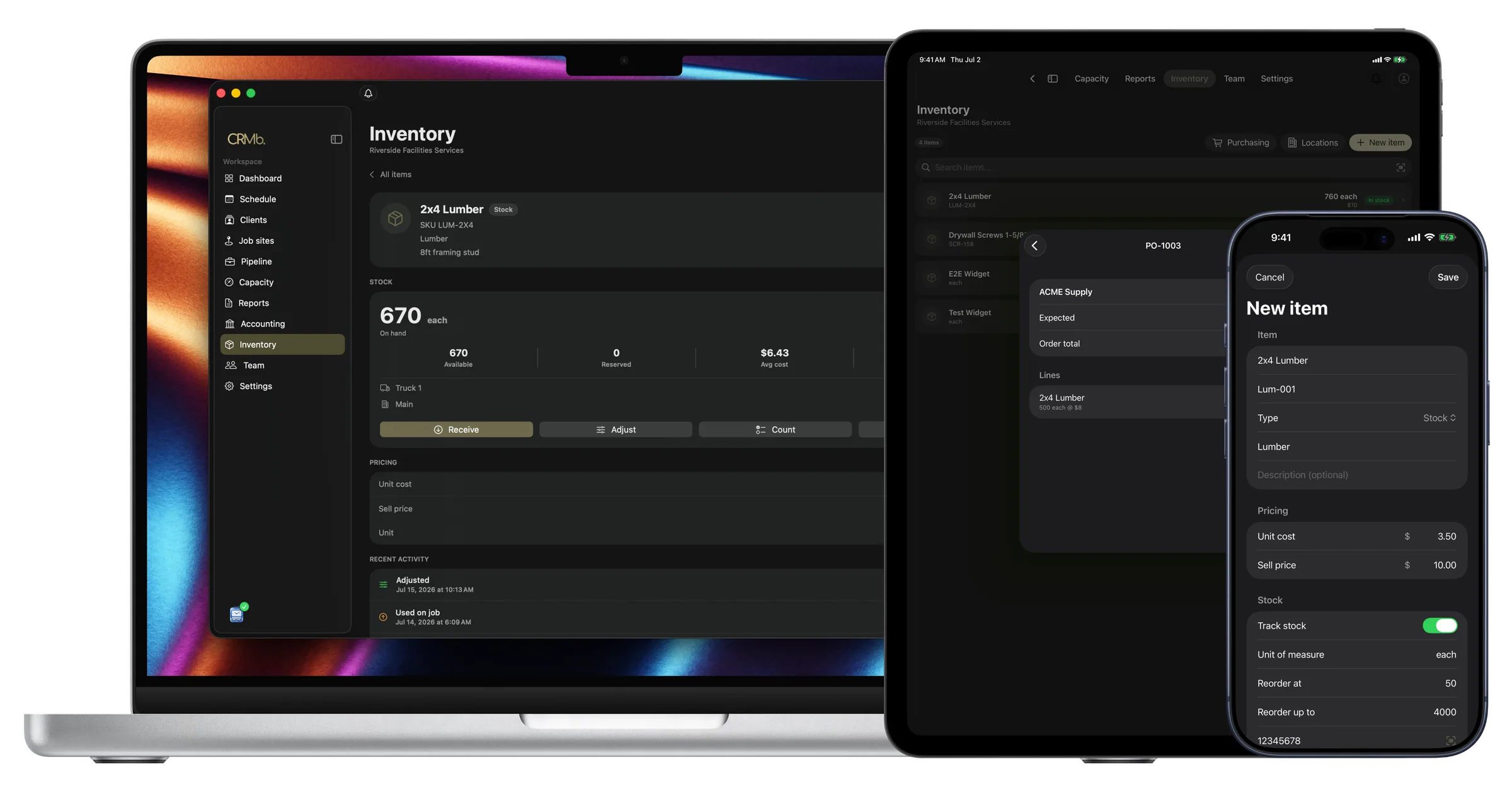
The cost of each building updates while the crew is still working
Someone types in the supplies and the hours after the crew leaves.
The crew logs the supplies before they leave. A case of liners comes off that closet's count at the average you paid. The hours they punched are priced at each person's rate. One tap puts the supplies on the invoice. A second tap puts the hours on it.
Payroll is built in: mark a week paid in Punch and CRMb matches the payout from your bank feed to the cent. The app reads your bank transactions, so a building's spending matches what left the account. It never moves money, and at month end you hand your bookkeeper one export.
Supply closets
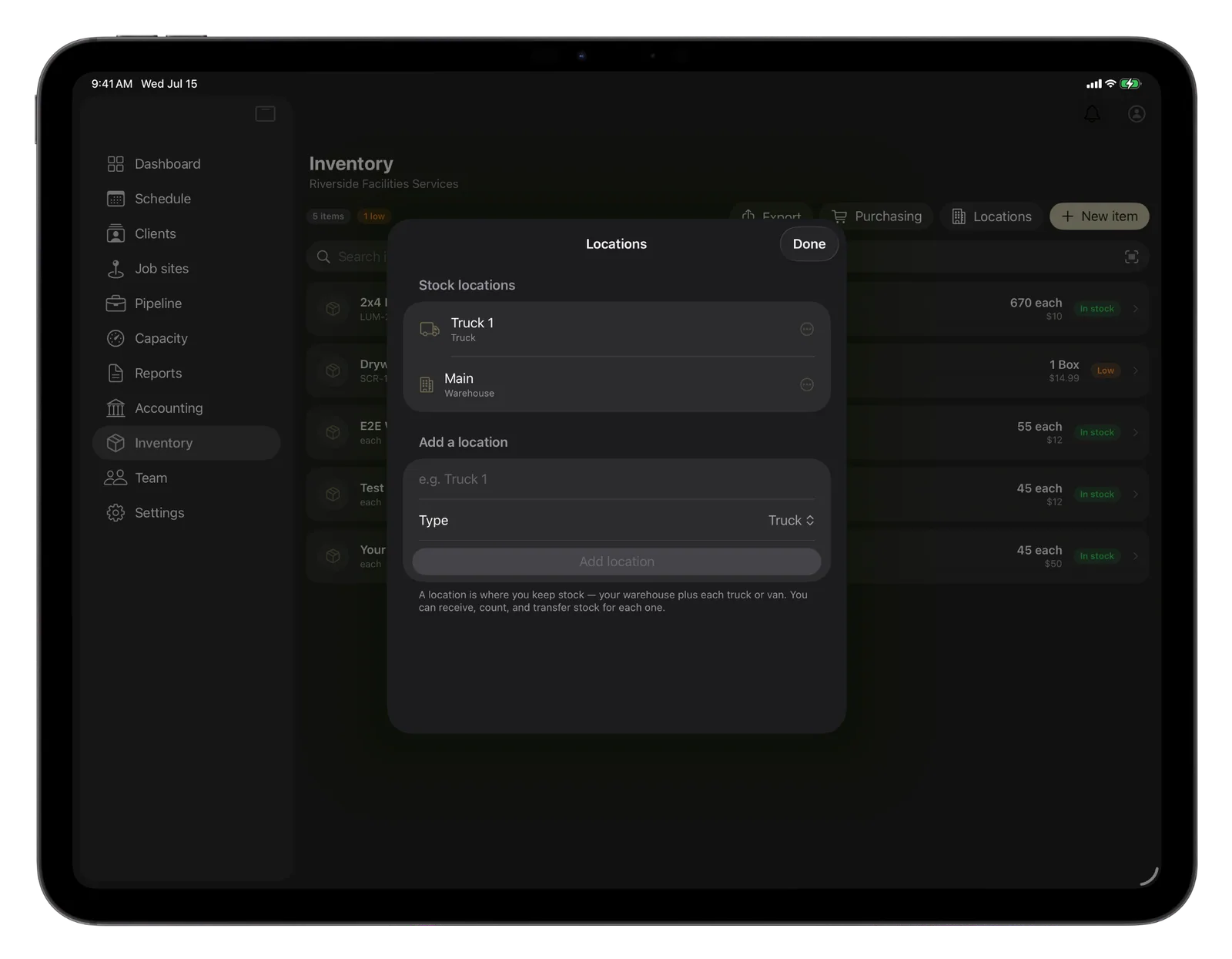
Every closet keeps its own count.
Send a case of paper to a building. The warehouse count drops and that closet's count rises.
- The warehouse, the vans and every building's closet are counted separately
- A reorder point tells you when stock is low
- What the crew uses is charged at the average you paid
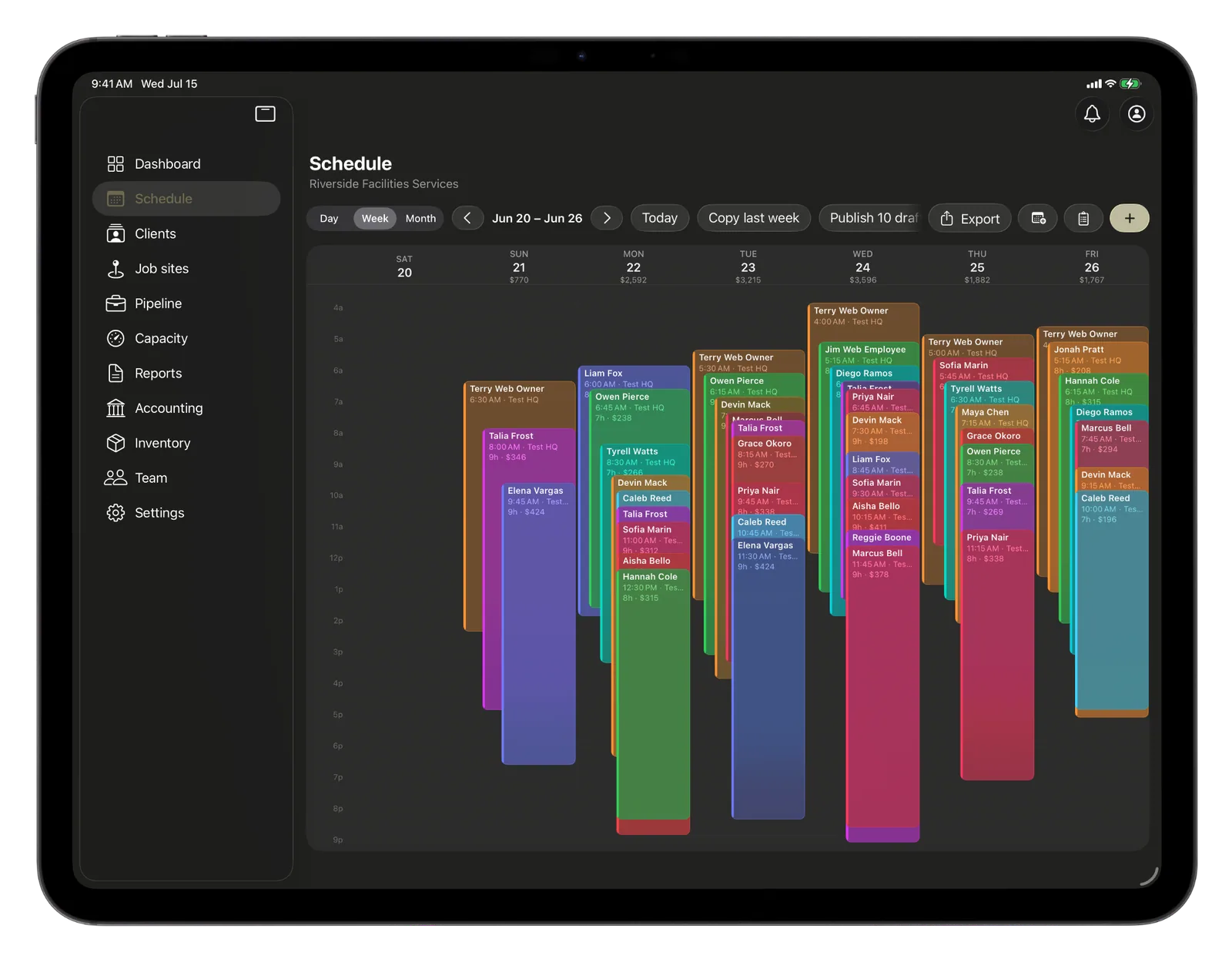
Nightly visits
Set a visit once and CRMb books the series.
You do not rebuild the schedule every week.
- CRMb creates the whole series at once
- One confirmation email goes out, covering the first visit
- A manager can mark a shift a no-show
The invoice
Each person's hours become a line on the invoice.
The hours and the supplies come from the job, so you do not retype them.
- Each cleaner's hours get their own line
- One tap puts the supplies used at the building onto the invoice
- The quote's terms, deposit and pay link carry over
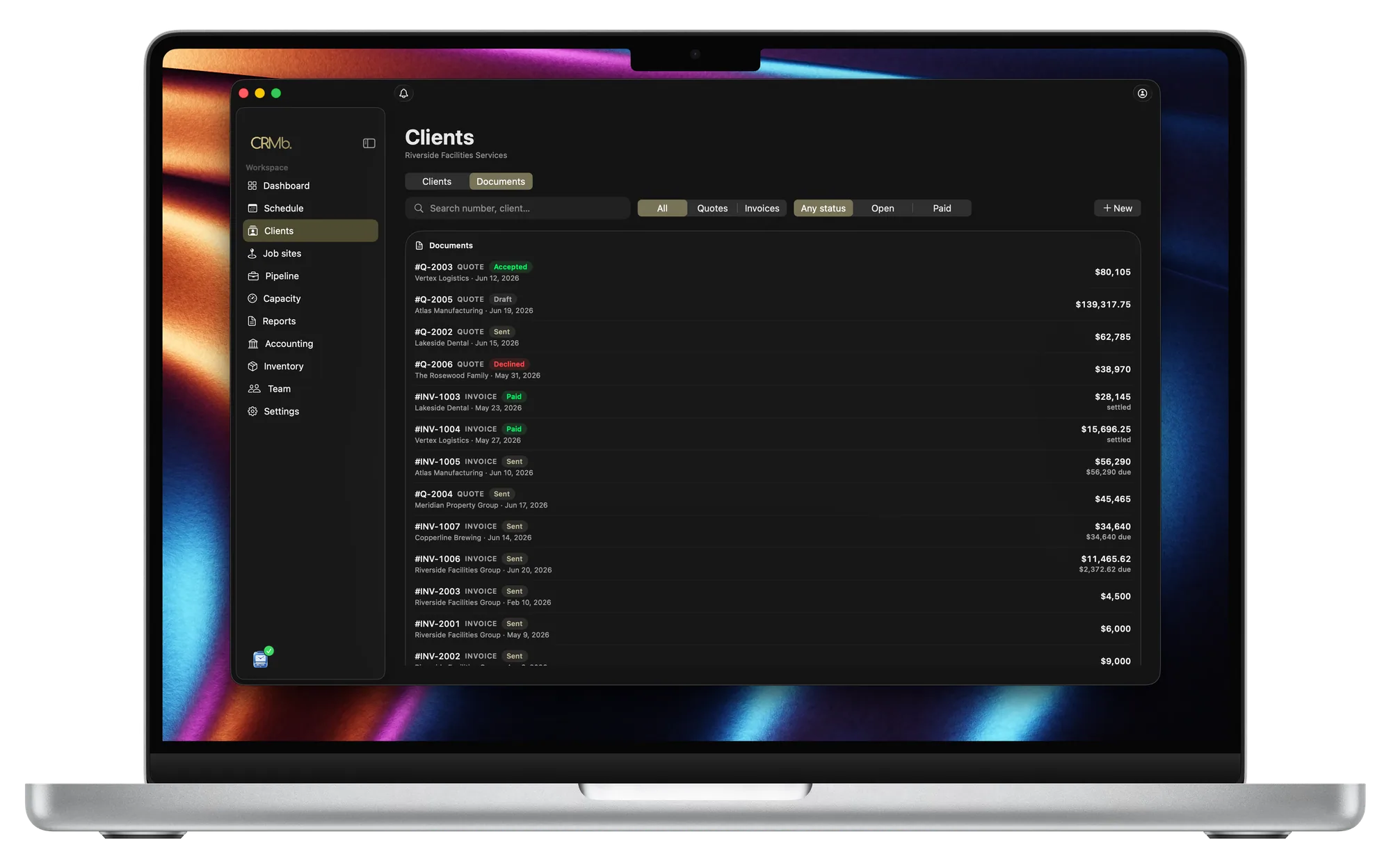
Supplies and hours go onto the same invoice.
You see what is left in each closet
Each closet's list shows what that building has on hand.
You choose when a supply counts as low
Set that level for each supply, and CRMb warns you before it runs out.
Order supplies and receive them into the closet you name
That closet's count goes up when you receive the order.
You schedule a nightly visit once
You set how often it repeats and when it ends.
Hours are priced at each person's rate
A supervisor's hour and a cleaner's hour cost different amounts.
Margin updates while the job is open
Planned hours, worked hours and margin sit together on the job.
Problems it puts to bed.
A crew does not show up at a building.
A manager marks the shift a no-show, and no hours go onto that job.
A crew arrives and the closet is out of liners.
A reorder point warns you the liners are running low.
Supplies used at a building are left off the invoice.
The crew logs what they used, and it goes on the invoice with one tap.
One delivery of paper cost more than the last.
Enter what each delivery cost. The job is charged the average of those prices.
Questions
The ones you are actually asking.
- How does a case of liners get from the closet onto the invoice?
- The crew logs the case at that building. That closet's count drops, and the job is charged the average you paid. One tap moves the case onto the invoice at the price you sell it for. With a flat monthly rate, it still shows in that building's cost.
- Does CRMb do dispatch, route planning, or equipment history?
- No. There is no dispatch board in CRMb, no route planning between buildings, and no per-machine service record for your floor equipment. Keep assigning routes wherever you do that now (Swept, Janitorial Manager, Jobber). You count supplies, price hours and send invoices in CRMb.
- Can CRMb handle my nightly and weekly accounts?
- CRMb schedules them. Choose how often a visit repeats and when it ends, and CRMb builds the whole series. It does not invoice a visit on its own, so you send the invoice when you are ready.
- What does it cost?
- CRMb is $39 a month for your first user and $29 for each one after, plus $20 for Inventory and Purchasing. You pay for the people who open CRMb, not for every cleaner. Everyone else's hours still go onto the job. See pricing.
Stays where it is today: your dispatch board, route planning between buildings, the service history of each floor machine, equipment warranty registration, your accountant's year-end books.
See it on real punched hours.
14-day free trial. Your Punch data is already inside.