CRMb for mobile mechanics
See a repair's cost before the van leaves.
Your shop and each van hold their own parts count, and a tech's hours are priced at that tech's rate. Keep booking calls with the tool you use now.
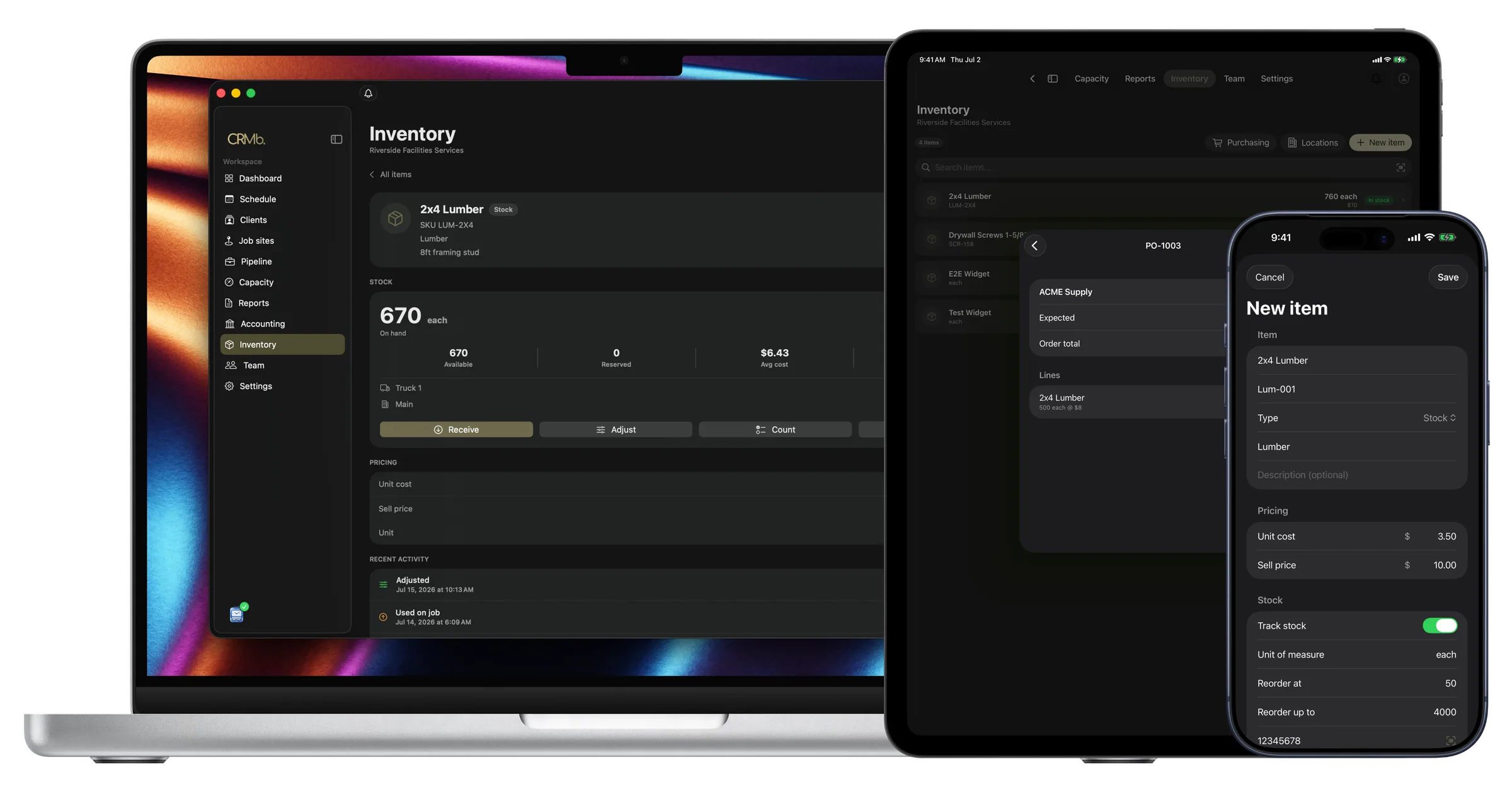
Parts and hours are recorded while the repair is open
A tech writes the parts and hours on a work order, and the office types them in later.
With CRMb, the tech records the part on the repair. That van's count goes down, and the repair is charged at your average cost. Hours worked go onto the repair at each person's rate. One tap puts the parts on the invoice at your selling price.
Payroll is built in: mark a week paid in Punch and CRMb matches the payout from your bank feed to the cent. CRMb reads your bank transactions and never moves money, so what a repair spent matches what actually left your account. At month end your bookkeeper gets one clean export.
Shop and van stock
Check a van's parts count from your desk.
Move a part onto a van and the shop's count falls as the van's rises.
- You see what each van is carrying
- A reorder point tells you a part is running low
- Parts are charged to the repair at your average cost
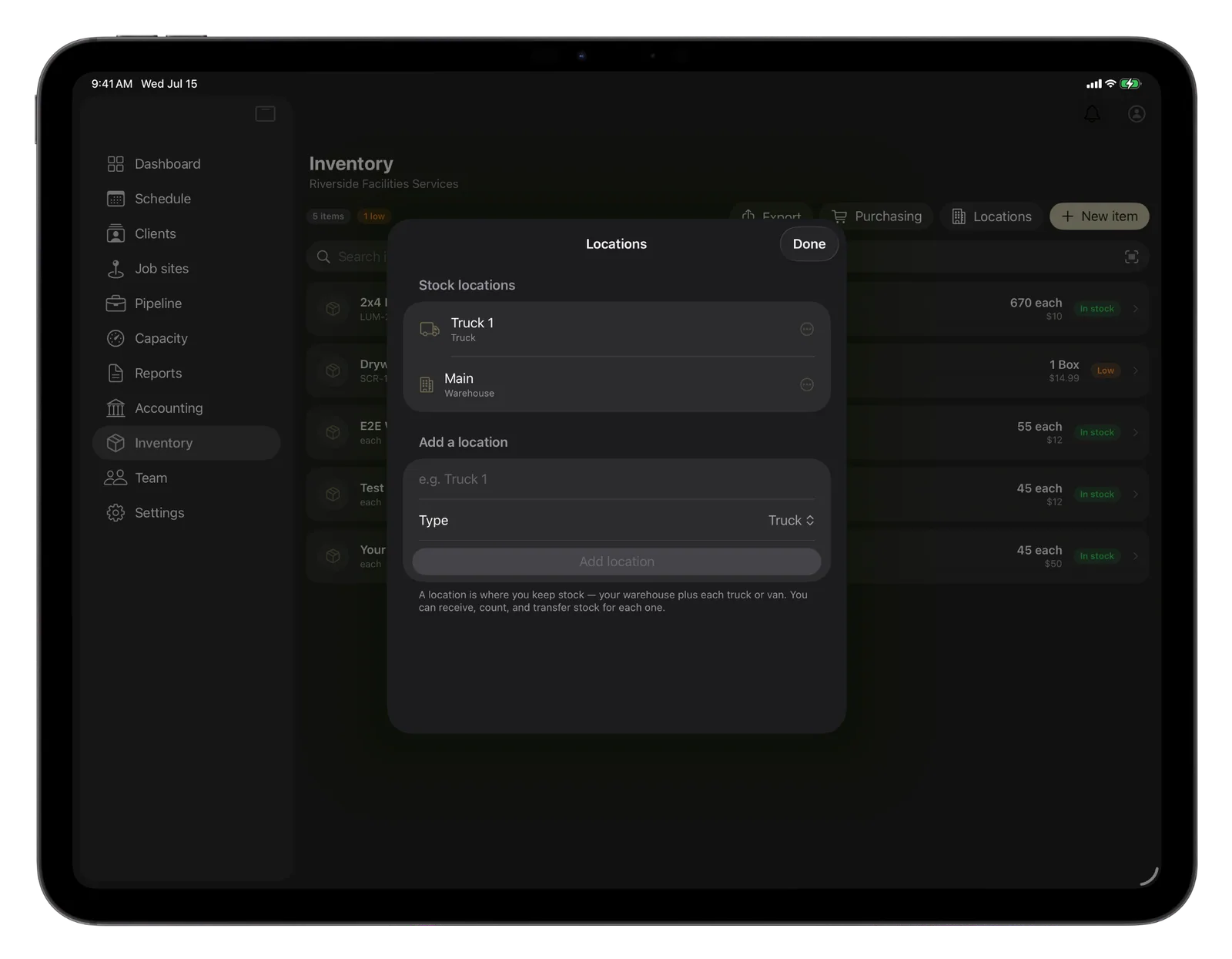
Repair cost
Watch the labor cost before the repair is finished.
Every hour added changes the repair's labor cost and margin.
- Planned hours are shown next to worked hours
- Margin updates while the repair is still open
- Labor cost is listed per tech, at that tech's rate
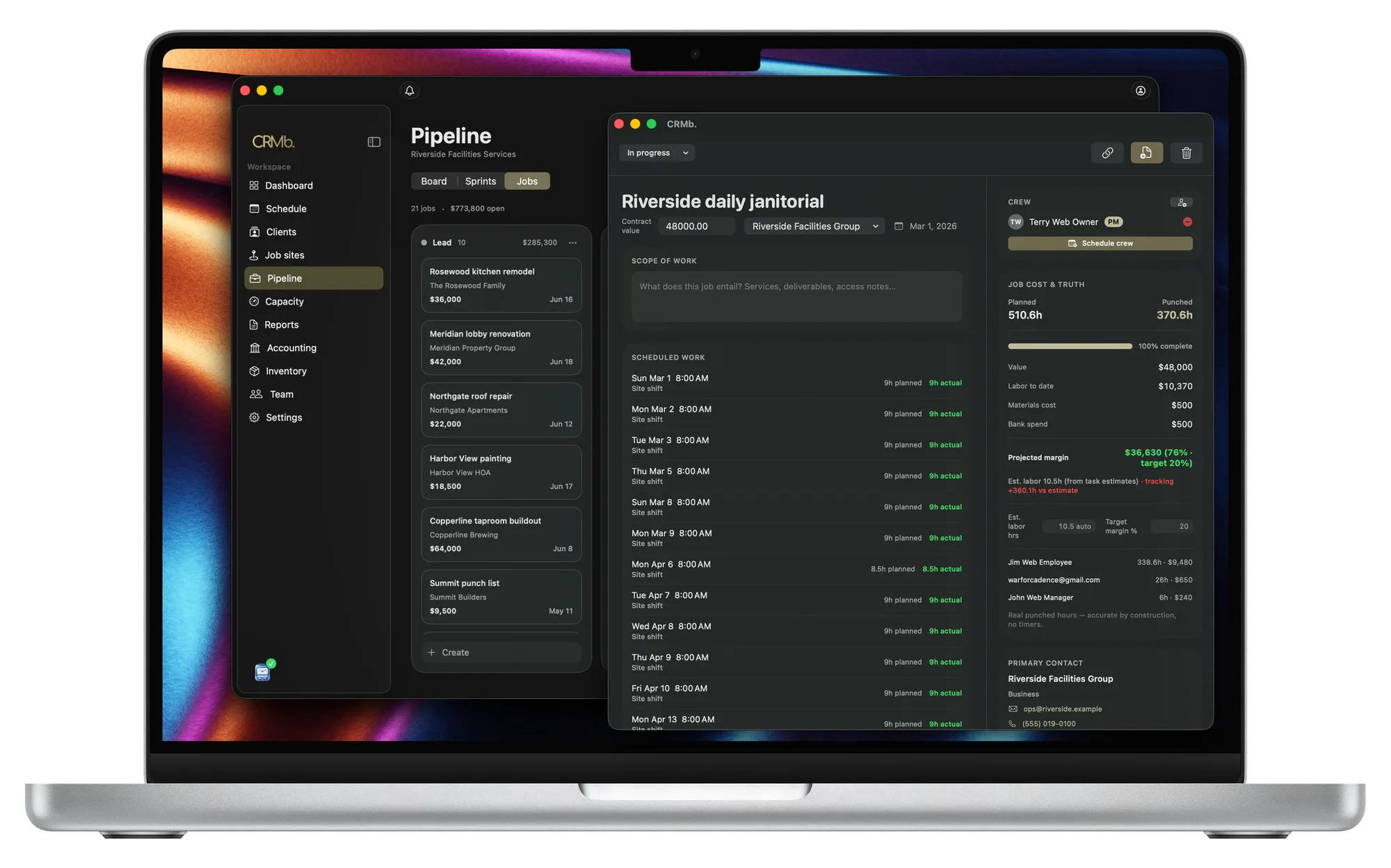
Billing
Bill the repair from the parts and hours you recorded.
The invoice comes from what the tech recorded.
- Each tech's hours are their own line on the invoice
- One tap adds the parts used, at your selling price
- Your terms, deposit and pay link come from the quote
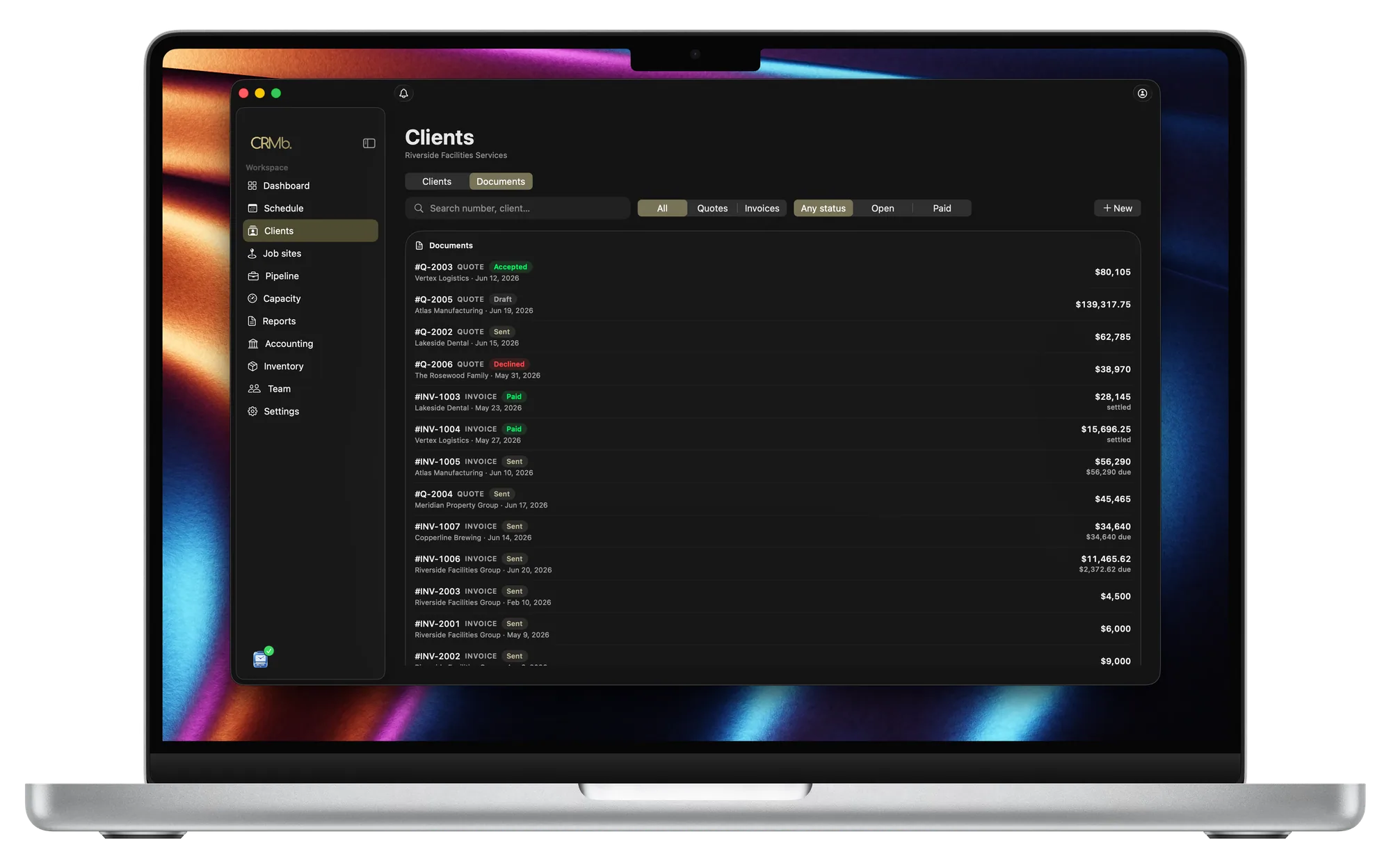
From the parts on the van to the invoice you send.
Stock is counted van by van
Filters, belts and fluids are counted where they sit.
A reorder point warns you a part is low
You set the level where the warning starts.
Two prices for one part become one average cost
You never have to decide which invoice a part came from.
The quote your customer accepted turns into the invoice
Terms and deposit come with it, and the quote can start a purchase order.
Hours worked on a repair become the labor cost
Two techs on one repair are priced at their own rates.
Check the margin before the invoice goes out
The margin changes as hours and parts are added.
Problems it puts to bed.
You find out what a repair made after the customer pays.
You see the margin while the tech is working.
A tech stops a repair to go get a belt the van ran out of.
You get a warning while there is still time to order.
A tech pulls a part off the van and writes it down to enter later.
The tech records it on the repair, and one tap carries it onto the invoice.
Your supplier charged you two different prices for the same alternator.
You record both prices, and the repair is priced from the average.
Questions
The ones you are actually asking.
- What happens to a part a tech uses on a repair?
- Your tech records the part when it goes on the vehicle. That van's count goes down, and your average cost goes onto the repair. One tap moves it onto the invoice at your selling price. On flat-rate work it still counts in the cost.
- Does CRMb handle dispatch, routes, or vehicle history?
- No. CRMb has no dispatch board, plans no routes, and keeps no service history for each vehicle. Keep booking calls and tracking vehicle history in the tools you use now (ServiceTitan, Jobber, Fleetio).
- Can I schedule recurring fleet maintenance?
- Yes, you can set up the visits, but CRMb will not bill them. Say how often a visit repeats and when it ends, and CRMb builds the series. Your customer gets one email, and it covers the first visit.
- How much does CRMb cost?
- Your first CRMb user is $39 a month and each one after is $29, plus $20 for Inventory and Purchasing. You pay for each person who uses CRMb. See pricing.
Stays where it is today: dispatching and route planning, service history for each VIN, diagnostic and scan-tool software, manufacturer warranty claims, year-end books.
See it on real punched hours.
14-day free trial. Your Punch data is already inside.