Scheduling
Plan the week. Know the cost.
Drag people onto the calendar and watch the labor cost add up as you build. Overtime, time off and double-bookings show up before they cost you, so you commit to a week you can actually afford.
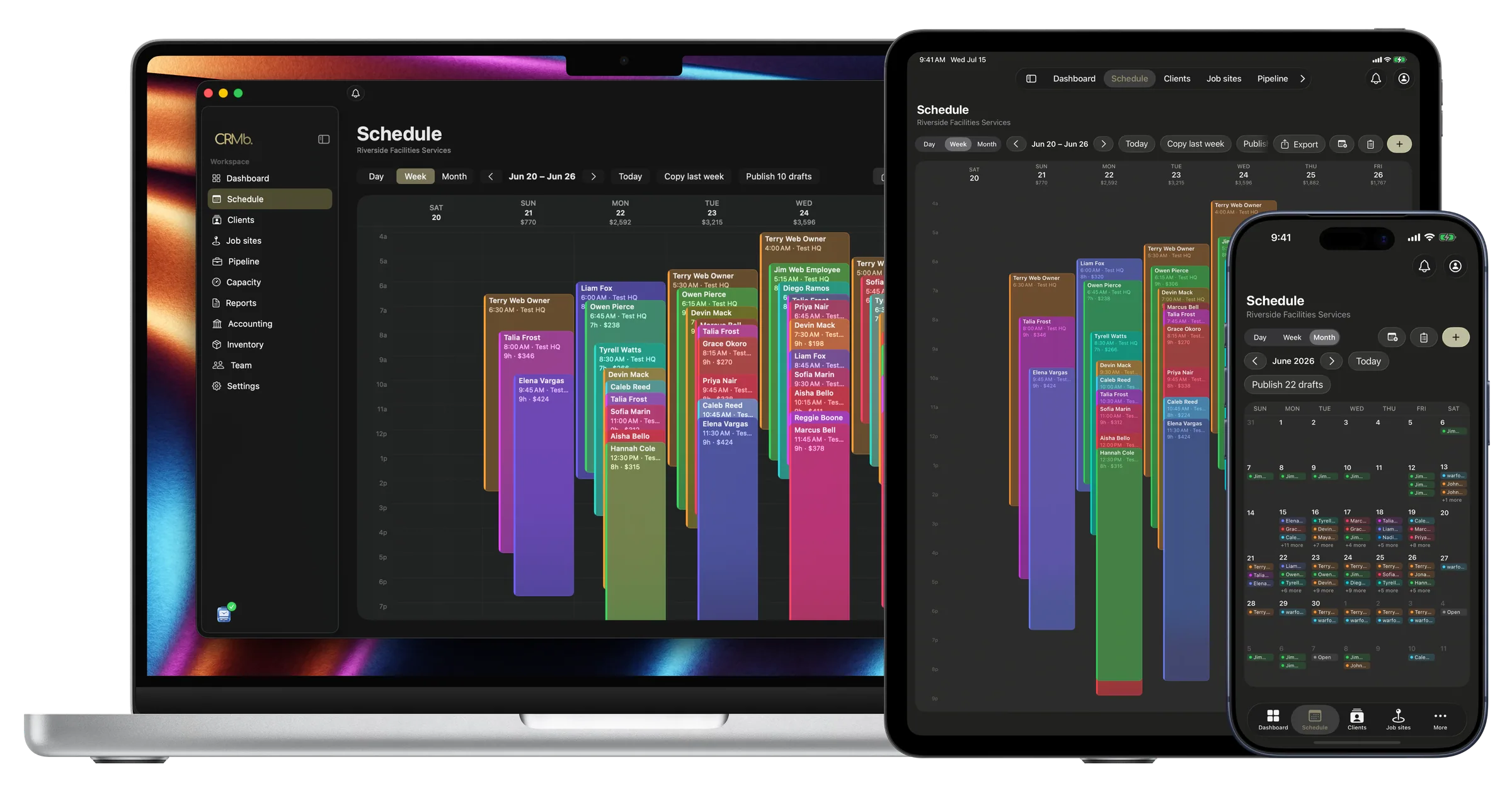
Every view
The schedule, wherever the day takes you.
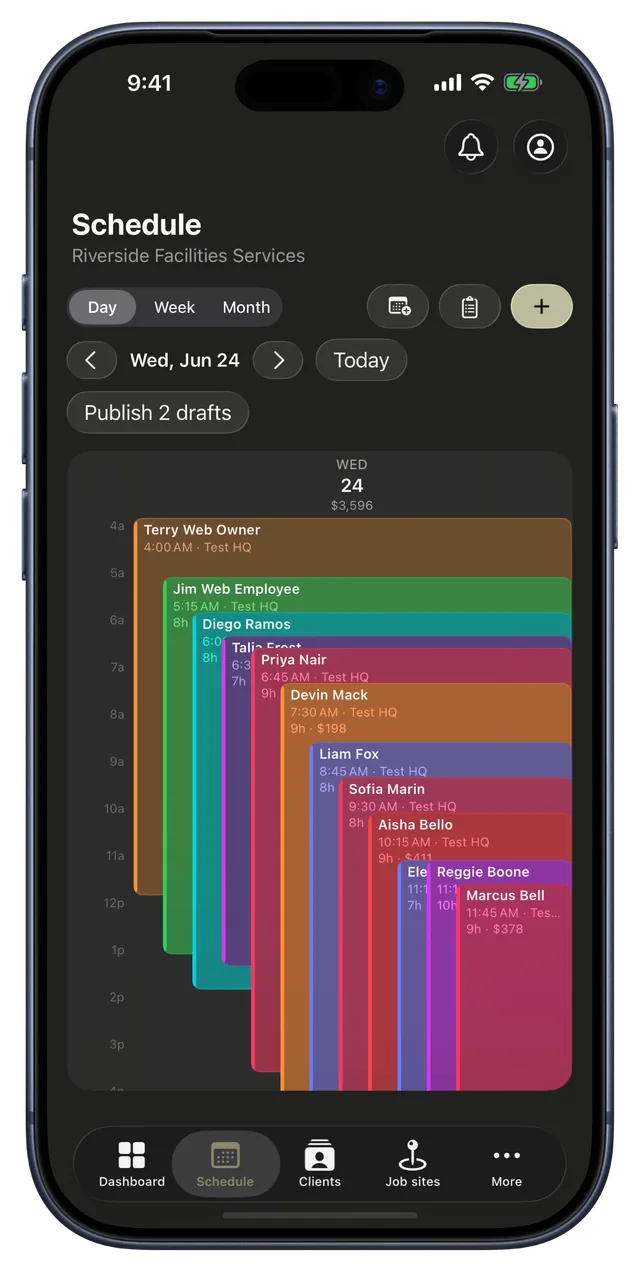
The same priced week on the iPad in the truck and the phone in your pocket. Zoom into today, plan the week, or pull back to the whole month. Even a busy day with everyone overlapping stays easy to read.
- Day, week and month views on every device
- Each day totals its cost as you build
- Publish drafts to the crew in one tap
No clashes
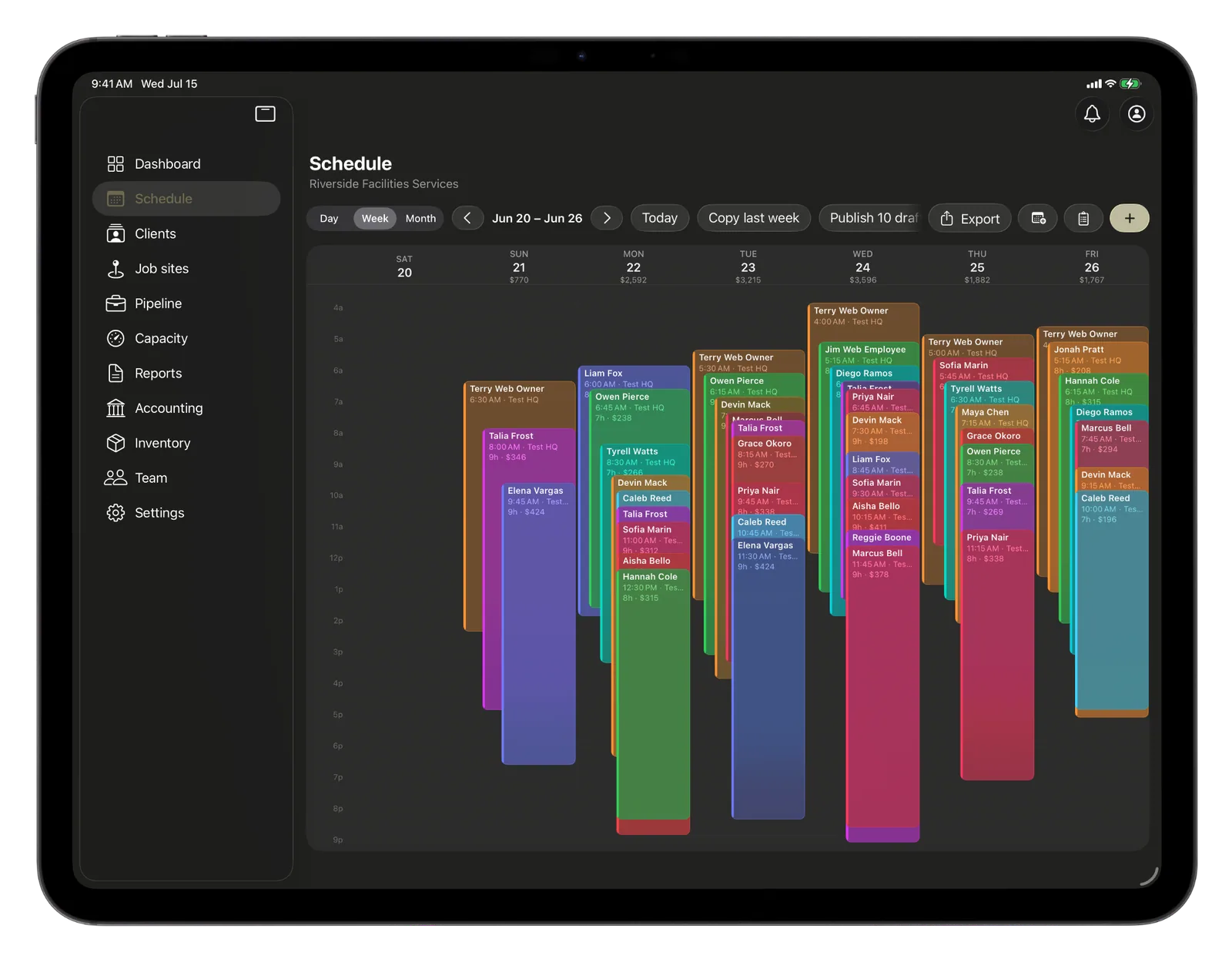
The whole crew's day, no clashes.
See everyone's shifts for the day stacked side by side, so even a packed schedule stays easy to read. Book someone onto a day they have off and CRMb flags the clash right away, so nobody gets scheduled when they are out.
- Everyone's shifts for the day, side by side
- Book someone who is off and the clash gets flagged
- Tap a shift to open it and move it
Everything you need to staff the week.
Cost as you plan
Every shift you add shows what it costs, and totals the day, the person and the week as you build. You see the overtime before you commit to it.
Day, week, or month
Zoom into today or pull back to the whole month. Even a busy day with everyone overlapping stays easy to read.
No clashes
Time off and availability live right on the calendar. Try to book someone who is out and it tells you before you do.
Last week, again
Copy last week and tweak it, instead of starting from a blank page every Monday.
Open shifts
Post a shift with nobody on it and let the right people grab it, so the gaps fill themselves.
Who actually showed
After the day, each shift shows what you planned next to what really happened, so you can spot who ran long, ran short, or never showed.
The Punch connection
A schedule that checks itself.
Most schedules are a plan you only find out about later. CRMb's tells you the truth. The moment your crew punches in at the job through Punch, their real hours line up against what you planned, so you see what actually happened without chasing a single timesheet.
- Punch-ins match themselves to the right shift
- What you planned, next to what really happened
- No-shows and overruns show up on their own
Problems it puts to bed.
You find out about the overtime on payday.
The cost is on screen as you build the week, so there are no Friday surprises.
Someone gets booked on their day off.
Time off sits right on the calendar, and a clash flags the second it happens.
You are never quite sure the shift got worked.
Real punch-ins flow back as planned-versus-actual, all on their own.
See it on real punched hours.
14-day free trial. Your Punch data is already inside.