The time clock CRMb runs on
From punch-in to payroll-ready.
Without the spreadsheet.
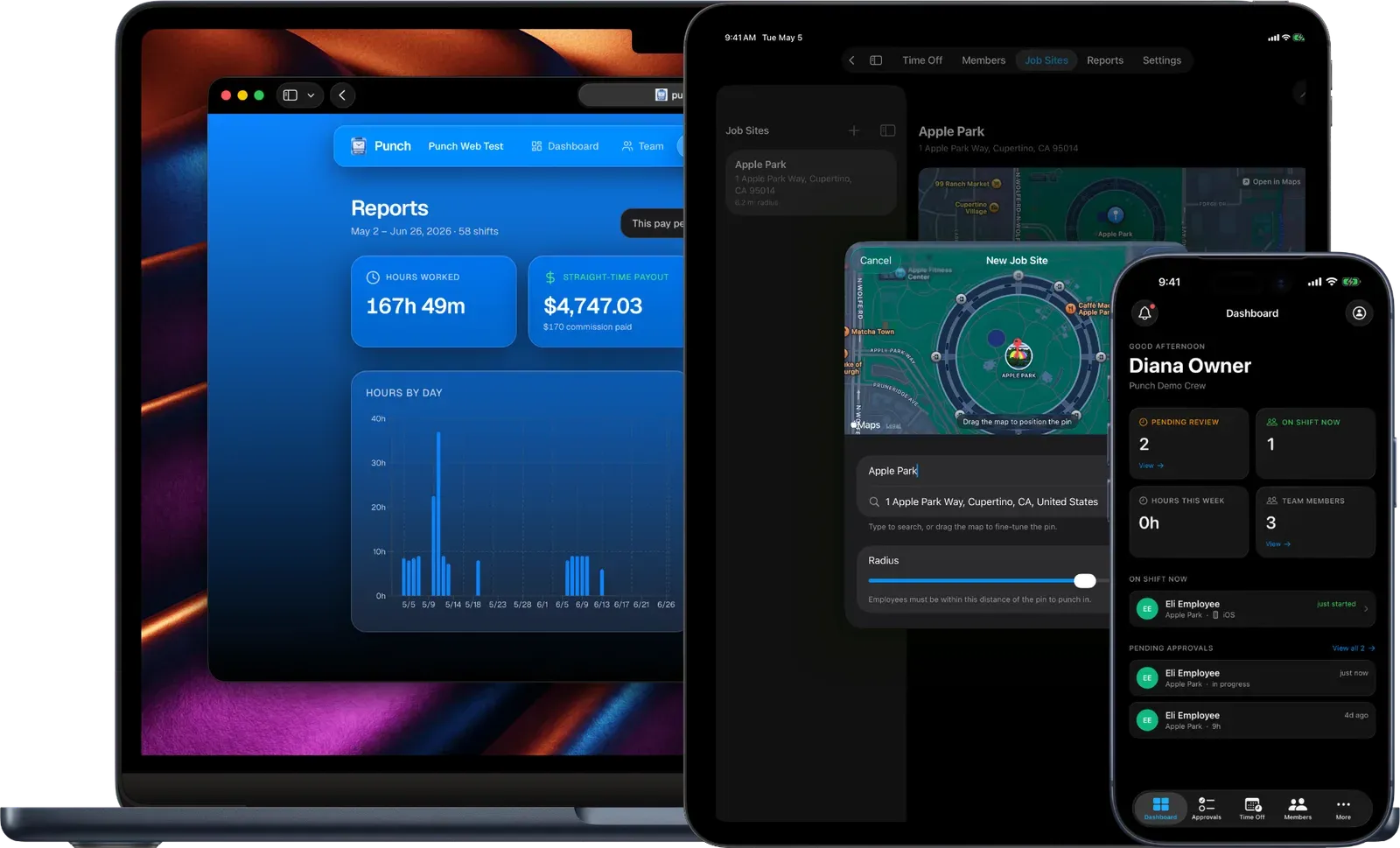
Punch is the geofenced time clock your crew taps in on at the job. It turns their real hours into approvals, time off and payroll-ready exports on its own. And those same hours flow straight into CRMb, so every cost, every schedule and every invoice is the real thing.
CRMb subscribers get 25% off Punch, applied automatically for as long as both subscriptions stay active.
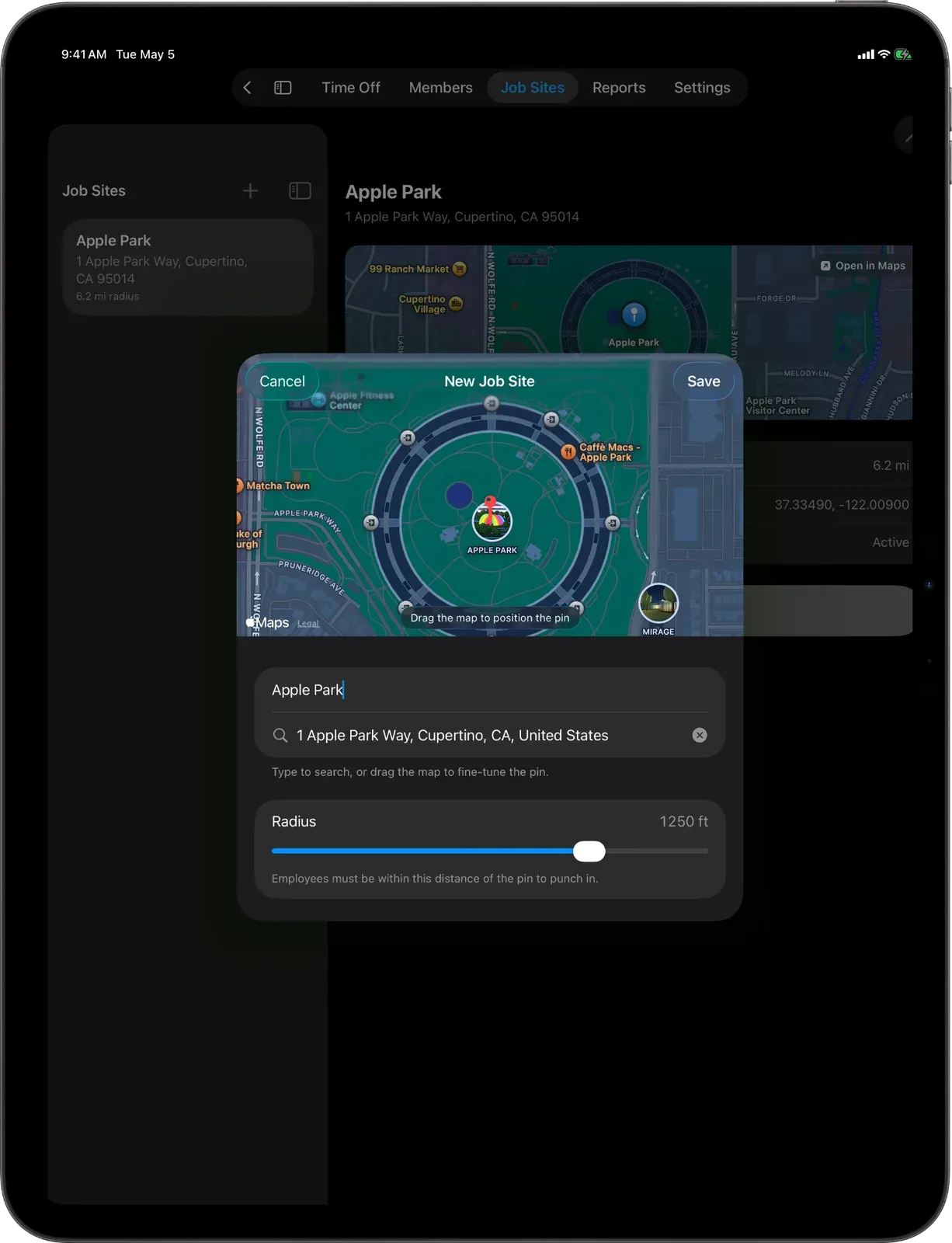
Geofenced punch-in
Verified at the job.
Your crew taps in when they reach the site, and Punch checks they are really there before the shift counts. Set the radius for each job, tight for an office, wide for a yard.
- A radius you set for each site
- Checked the moment they punch in
- No more punching from the parking lot
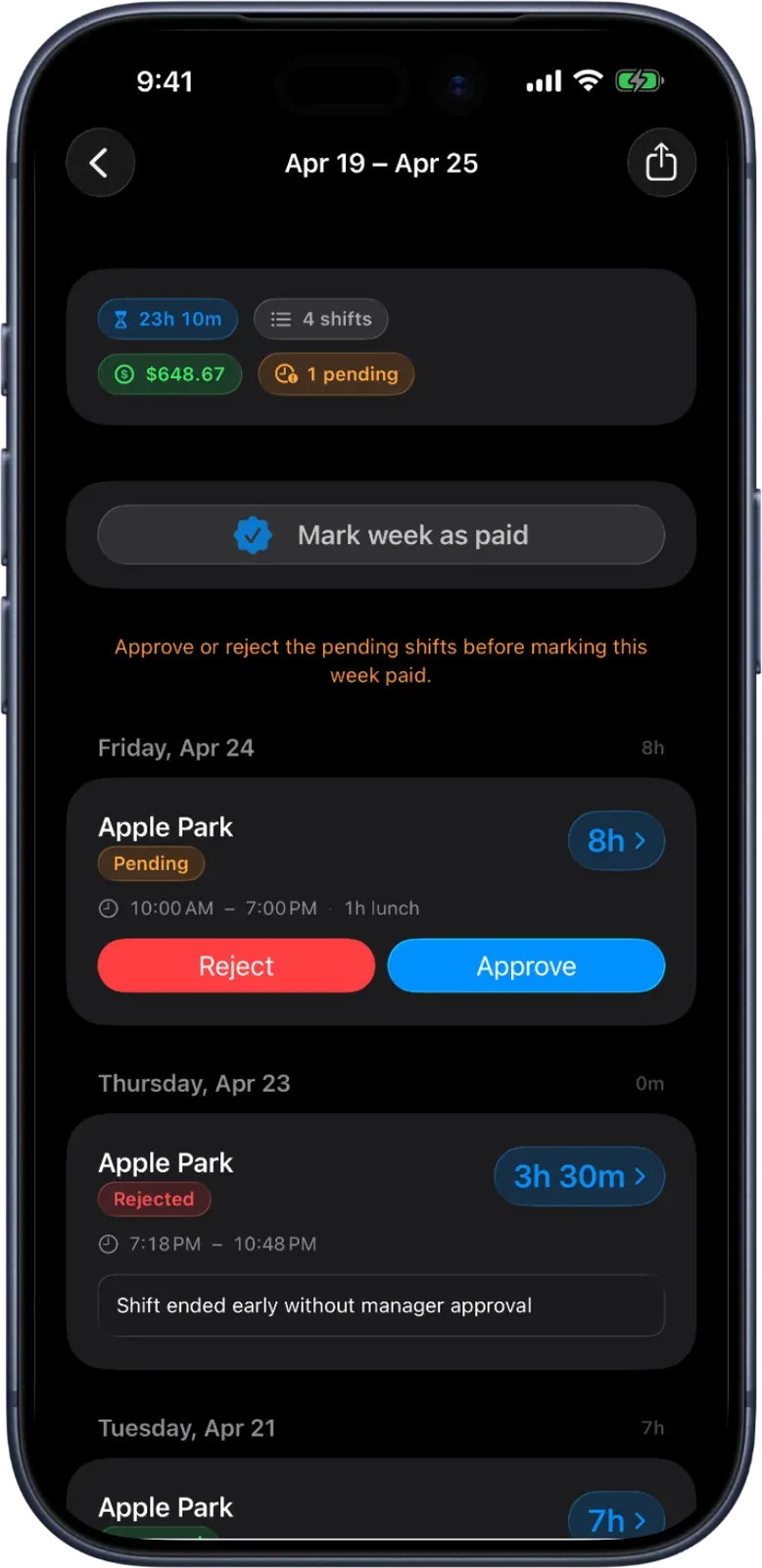
Shift approvals
Approve every shift before it pays out.
Every finished shift lands in one queue with its times, its lunch and its payout. Approve a whole week in a tap, or send one back with a reason that reaches your employee.
- One screen per decision
- Clear a whole pay period at once
- Reject with a reason that lands in their inbox
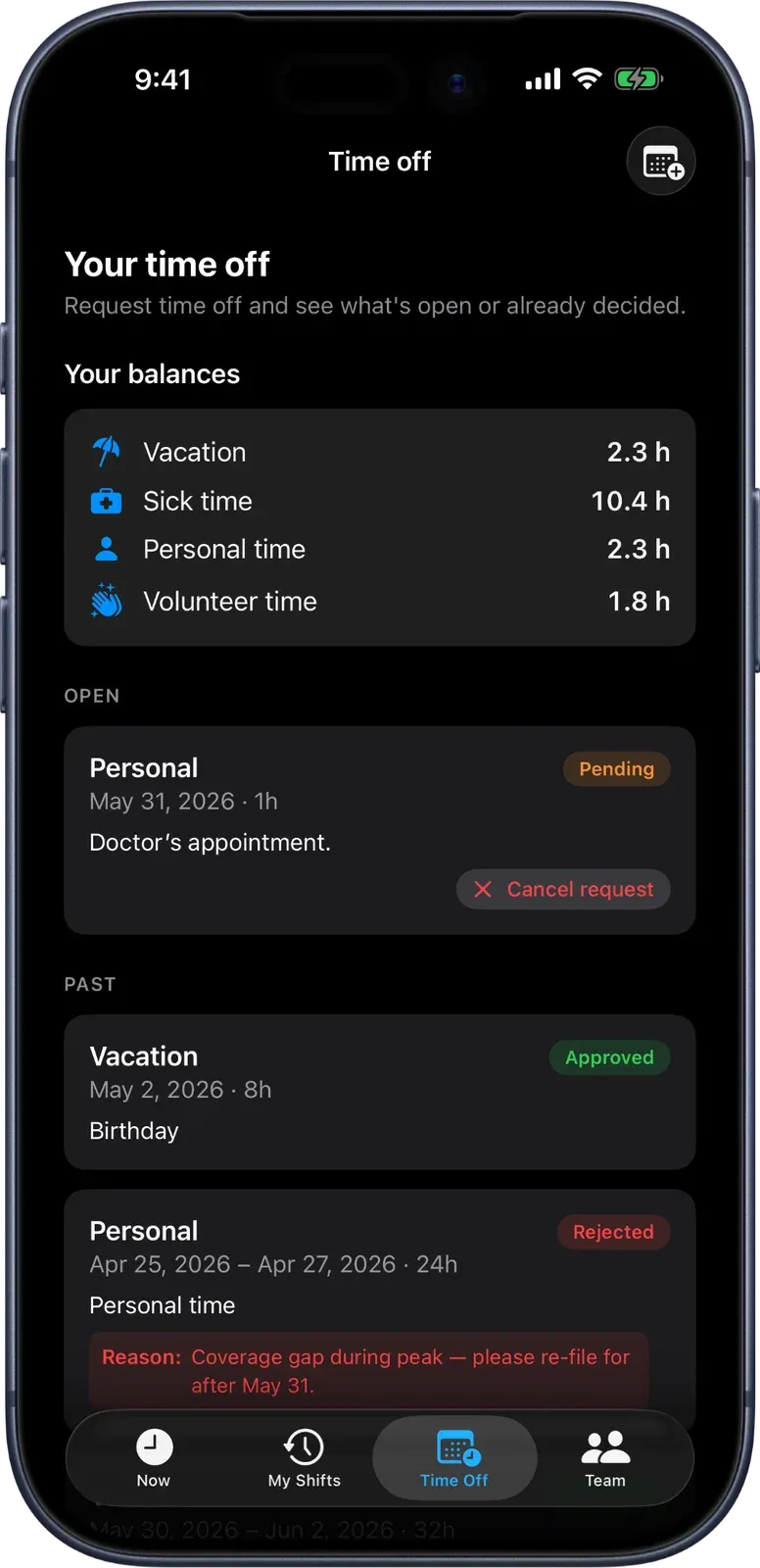
Time off
Time off that keeps its own books.
Vacation and sick time build up every pay period against a real balance. Your crew requests against it, you approve, and the balance updates itself. No side spreadsheet.
- Balances that grow every pay period
- Request, approve, done
- Always current, never reconciled by hand
Reports and payroll
The whole month, payroll-ready.
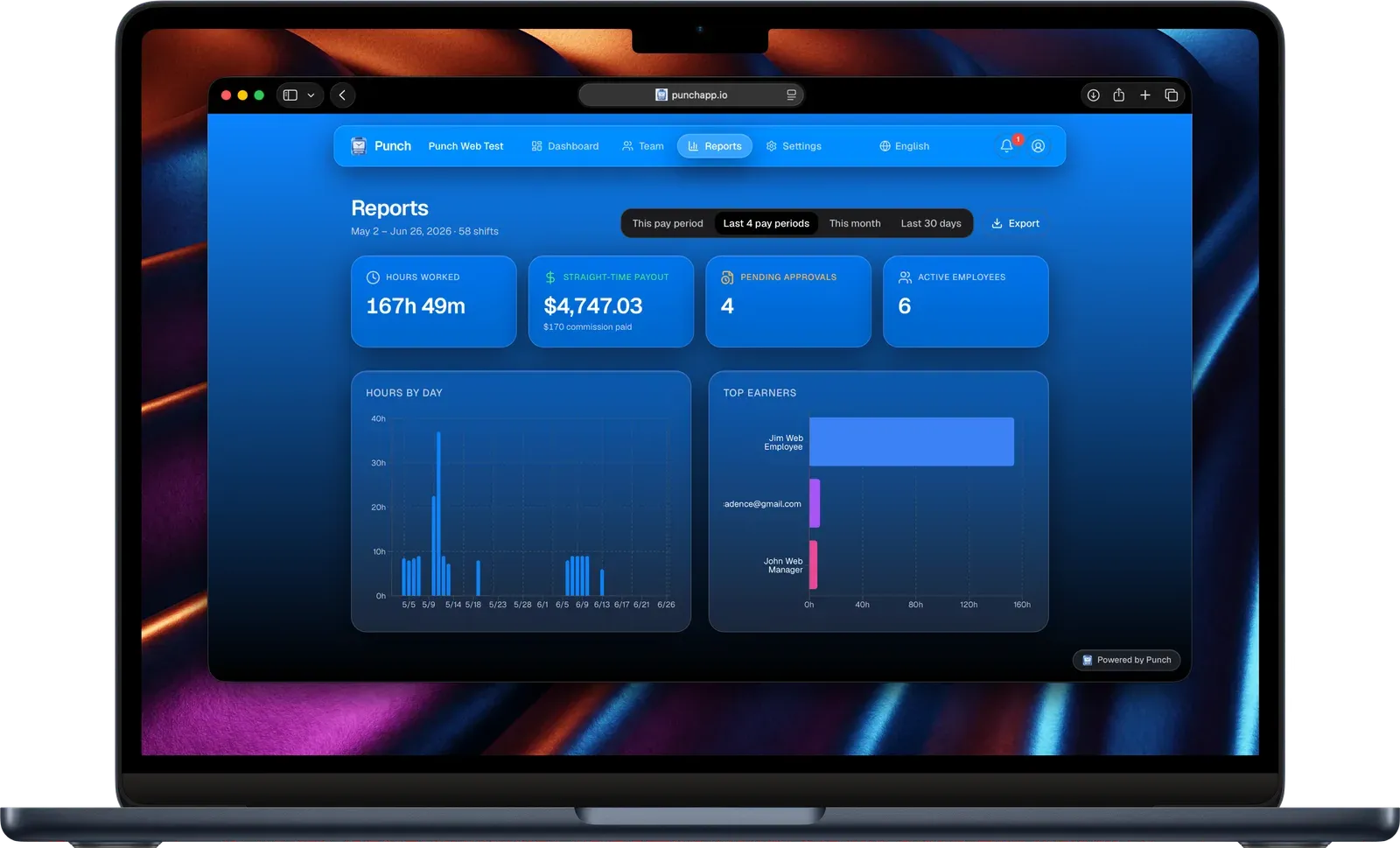
Total hours, gross paid and top earners, all on one screen. Send a clean spreadsheet to your bookkeeper or push a whole pay period straight to QuickBooks, with no copy-paste.
- The numbers that run the team, up top
- Export to the spreadsheet your bookkeeper expects
- Straight into QuickBooks in a click
And the rest of payday.
Timesheets
Every shift rolls up per person, ready to mark paid by your method and export in one click.
Commission, bonuses and travel
Sales, bonuses and the drive between jobs all pay out with the period, with overtime done the honest way.
Kiosk mode
Turn one shared iPad into a punch-in station for the whole crew. A name and a PIN, no work phone needed.
Punch and CRMb
The hours that make CRMb real.
CRMb and Punch share the same team, so there is nothing to connect and nothing to import. The moment your crew punches in on Punch, those real hours land everywhere they matter in CRMb, with no timesheet in between.
Real job cost
The hours your crew clocks become the real labor cost on every CRMb job, so your margin is fact, not a guess.
Schedule that checks itself
What you planned in CRMb lines up against what was actually worked, so you see who ran long, ran short, or never showed.
True capacity
Scheduled hours next to hours really worked, per person, so you can see who is slammed and who has room.
Progress that is real
Tasks in CRMb move along as the hours get punched against them, so the board is never out of date.
Bill the exact hours
One tap turns the hours your crew really worked into billable lines on the invoice, priced for each person.
Time off on the calendar
The PTO and availability your team has in Punch show right on the CRMb schedule, so you never double-book.
How they fit together.
01
Your crew runs on Punch
They tap in at the job on iPhone or iPad, and Punch verifies they are really there.
02
You plan and bill in CRMb
Build the schedule, track the jobs, send the invoices, all in one place.
03
The real hours connect them
Every hour punched on Punch flows into CRMb's cost, schedule, capacity and invoices on its own.
Put your crew on Punch.
Set it up in a minute, and watch every number in CRMb turn real.